
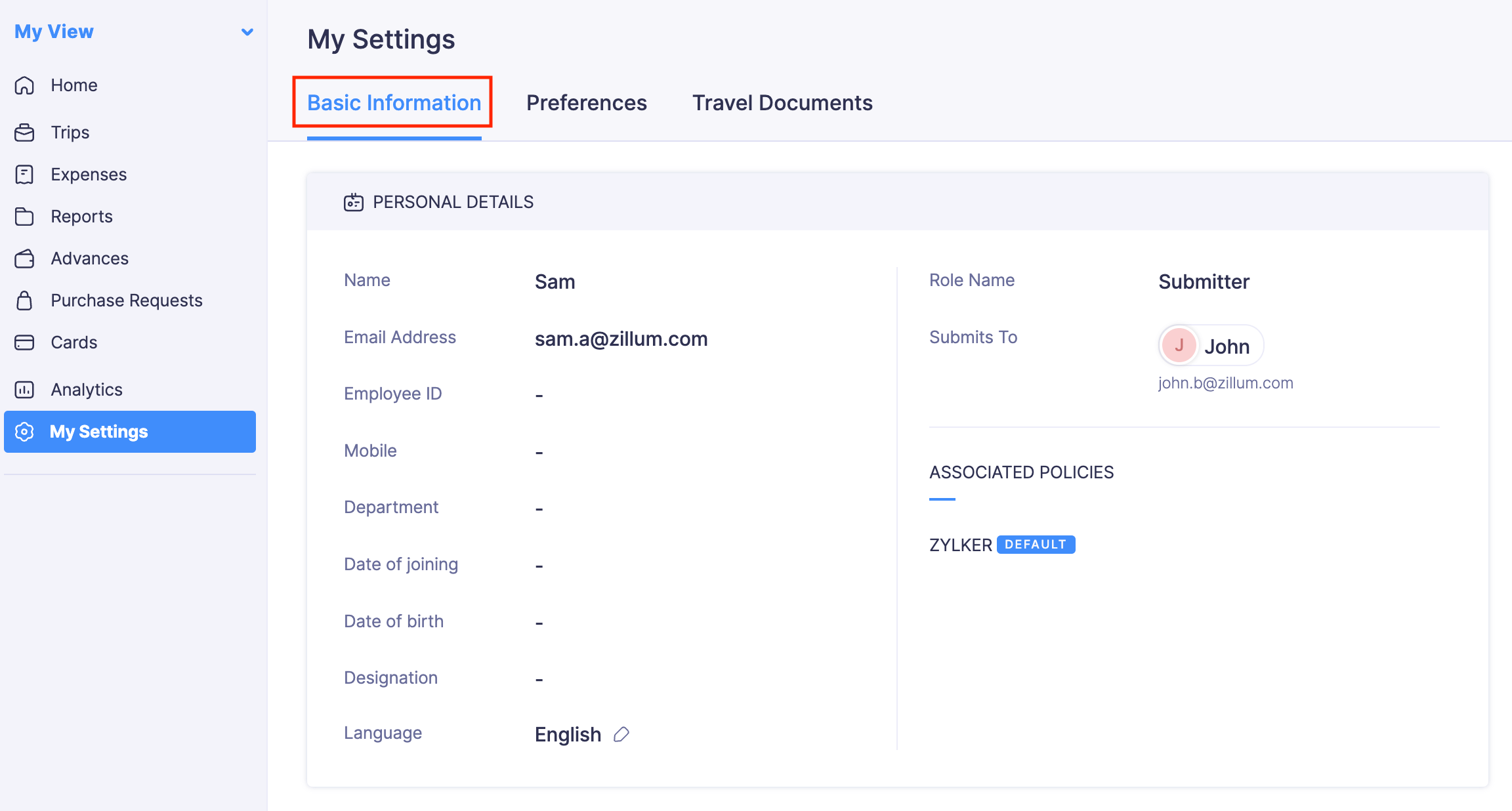
View Basic Details
In this section, you can view all your basic details.
View Your Basic Details
You can view your personal details such as your name, phone number, etc, and the policies that are applicable to you.
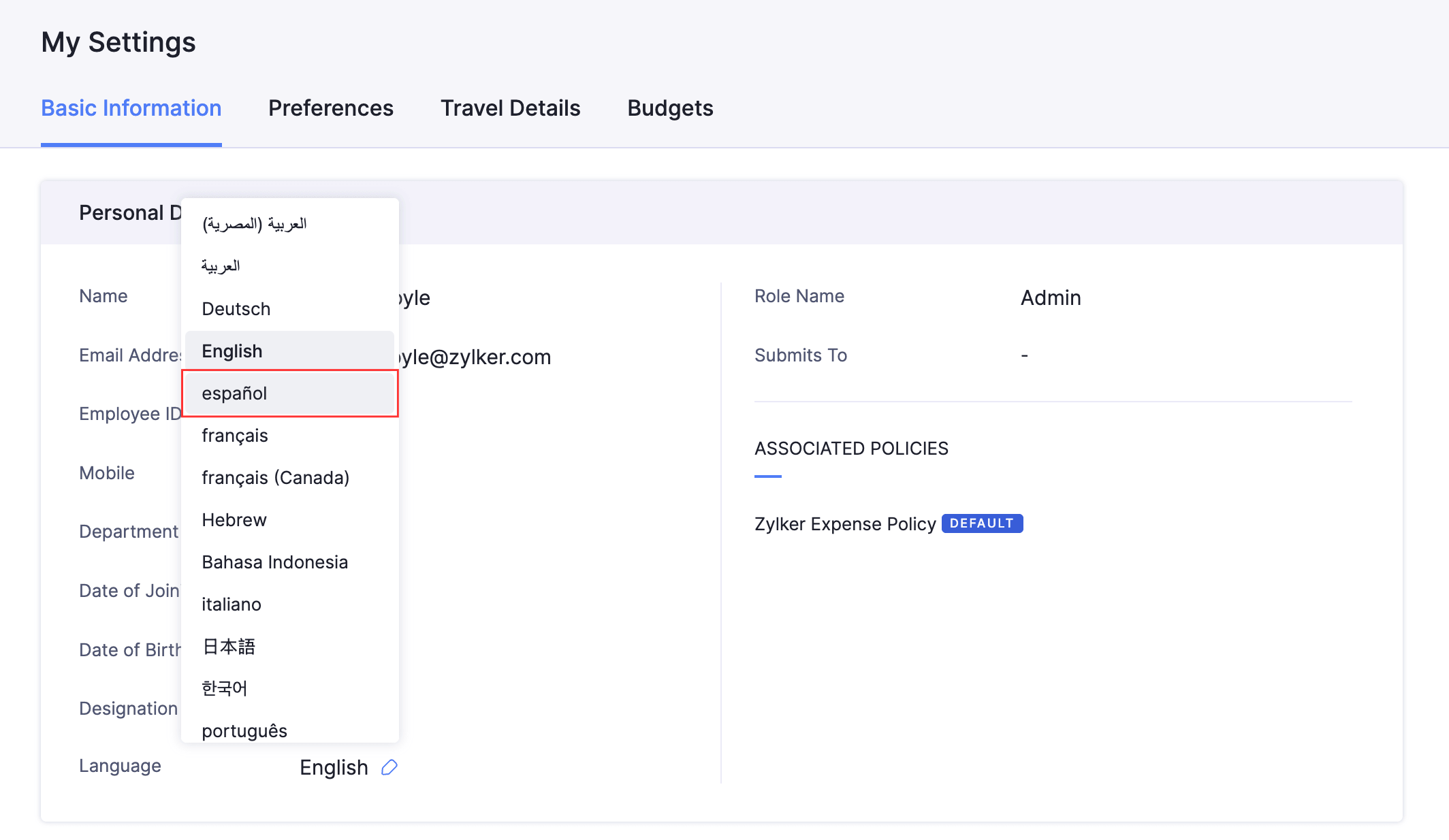
Select Your Display Language
Zoho Expense allows employees to select their preferred language for viewing the app, which can differ from the organization’s default language.
To select your display language:
- Go to My Settings on the left sidebar.
- Under the Basic Information tab, click the Edit icon next to Language.
- Select your preferred language from the dropdown. The app reloads in the selected language. Organization-specific content such as categories, tags, and violation messages will also appear in your preferred language if your admin has set up translations for them.