- HOME
- All Topics
- Thought Leadership
- AI teamwork: a 7-step governance playbook for enterprises
AI teamwork: a 7-step governance playbook for enterprises
- Published : June 18, 2026
- Last Updated : June 23, 2026
- 449 Views
- 7 Min Read
AI teamwork is the practice of using artificial intelligence—generative AI assistants, intelligent automation, and AI-powered search—to augment how teams plan, collaborate, and deliver work. This guide explains why AI teamwork now demands a governance approach and walks through a 7-step playbook that IT, security, and enterprise leaders can use to roll out AI safely, measurably, and at scale.
TL;DR — AI teamwork without governance creates risk; governance without adoption creates friction. A practical AI teamwork playbook addresses both—covering data boundaries, access tiers, audit trails, shadow-AI policy, human checkpoints, measurement, and continuous review.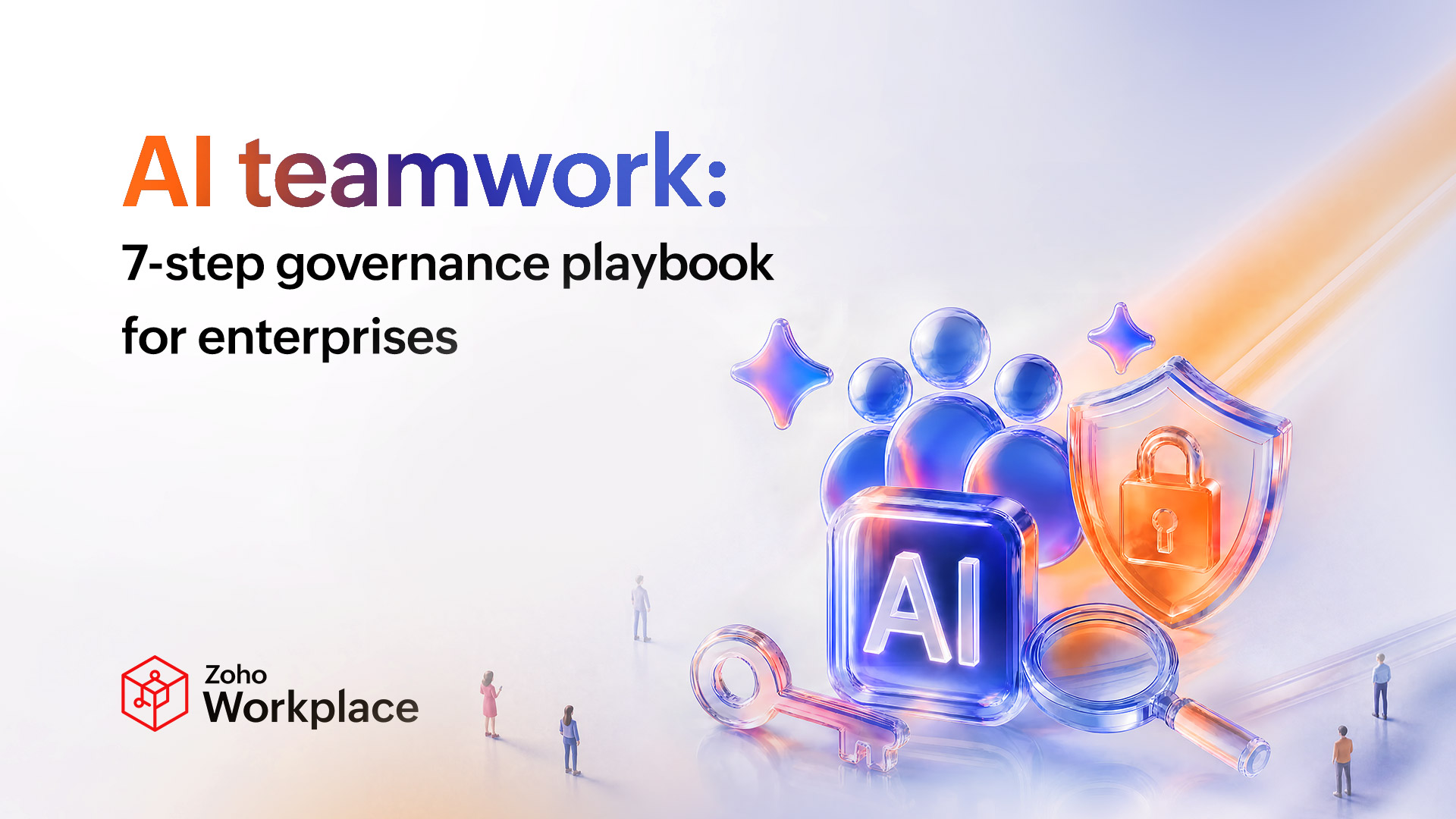
What is AI teamwork governance?
AI teamwork governance is the set of policies, controls, and review processes an organization uses to make AI-assisted collaboration safe, consistent, and accountable. It covers what data AI can access, who can use which AI capabilities, how AI outputs are reviewed and recorded, and how the entire program is measured and improved over time.
It's distinct from broader AI governance because it focuses on the everyday collaboration surface (chat, mail, meetings, documents, drives, and project tools) where AI now touches almost every employee, not just data science teams.
Key takeaway: If AI lives inside your team's daily workflow, it needs governance built for that workflow—not bolted on from a security policy written before generative AI existed.
Why does AI teamwork need governance in the first place?
Three forces have pushed AI teamwork governance from a "nice to have" to a board-level concern.
First, the productivity case is real and large. Research by McKinsey estimates that generative AI could automate activities that absorb 60% to 70% of employees' time and add $2.6 to $4.4 trillion in annual economic value across business functions. That scale of impact is too valuable to leave ungoverned.
Second, adoption is outpacing policy. Gartner has projected that by 2026, more than 80% of enterprises will have used generative AI APIs, models, or applications. In most organizations, employees adopted these tools faster than IT could write policy—the now-familiar "shadow AI" problem.
Third, AI now touches sensitive collaboration data by default. AI assistants summarize meetings, draft client emails, search confidential drives, and rewrite contracts. Without governance, that activity creates regulatory, IP, and reputational exposure.
Fourth, regulation is catching up. The EU AI Act, sector-specific rules in financial services and healthcare, and emerging U.S. state-level laws all increasingly require enterprises to document where AI is used, what data it touches, and who is accountable for its outputs. Workplace AI, the kind running inside every employee's inbox and chat, is squarely inside that scope, even when it feels routine.
Key takeaway: AI teamwork governance is how you keep the productivity upside without inheriting the risk surface.
The 7-step AI teamwork governance playbook
Each step below is designed to be implemented in sequence. Together they form a complete operating model for AI teamwork, usable by a 100-person company or a 10,000-person enterprise.
1. Define what data AI can and cannot touch
Start by classifying your collaboration data: public, internal, confidential, regulated. For each class, decide which AI capabilities are allowed (summarize, draft, search, analyze), and which are not. Document this in a one-page policy your employees can actually read. Aligning with frameworks like the NIST AI Risk Management Framework gives you a defensible structure regulators recognize.
2. Set tiered AI access across roles
Not every employee needs the same AI capabilities. Build three to five access tiers; for example, general staff, manager, finance/legal, and admin, and map AI features (drafting, knowledge search, automation, analytics) to those tiers. Tiered access keeps experimentation safe and makes audits straightforward.
Here's a simple test: If a tier grants access to AI capabilities that the employee couldn't use through the regular UI either, the tier is too generous. Access to data via AI should never exceed access to data without AI.
3. Make AI outputs traceable
Every AI-assisted action—a summarized meeting, a drafted email, an automated approval—should leave a record: who triggered it, which data it touched, and what was produced. Choose a workplace suite that logs AI activity natively rather than relying on third-party monitoring bolted on after the fact.
4. Eliminate shadow AI before it spreads
Shadow AI happens when employees paste sensitive content into unapproved consumer AI tools because the sanctioned options are slow or missing. The solution isn’t adding more restrictions, it’s giving employees a secure, integrated alternative that’s easier and more intuitive to use. Conduct a quarterly shadow-AI survey and adjust your sanctioned stack accordingly.
The single highest-leverage move is to bring AI into the tools employees already open: their mail client, team chat, document editor, and meetings. AI that lives next to the work consistently beats AI that requires switching to a separate browser tab.
5. Build human-in-the-loop checkpoints
Define which AI outputs require a human review before they leave the building. Customer-facing emails, contracts, financial reports, and HR communications should always be human-reviewed. Internal summaries and drafts can run with lighter review. Spell this out—"AI can suggest, humans approve"—and make it visible in your tools.
6. Measure adoption and outcomes, not just usage
Track three categories of metrics: adoption (active AI users by team), behavior (time saved per workflow, % of meetings auto-summarized), and outcome (cycle-time reduction, employee satisfaction, error rates). BCG research found that AI-augmented knowledge workers completed tasks 25%+ faster and produced ~40% higher quality on creative tasks—but only when trained and governed. Without measurement, you can't tell whether your rollout is in that zone.
7. Review and update governance quarterly
AI capabilities evolve every quarter. Build a 60-minute quarterly review—IT, security, legal, and a rotating team lead—to revisit data classes, access tiers, sanctioned tools, and incidents. Governance is a living artifact, not a one-time document.
Three artifacts should change at each review: the data-classification matrix (any new categories?), the tier map (any new roles or features?), and the sanctioned-tool list (anything added, deprecated, or migrated?). If none of the three changes for two reviews in a row, your review process is probably surface-level.
How do you operationalize AI teamwork governance across your workplace suite?
The fastest path to a governed AI teamwork program is to consolidate on a workplace suite where AI is built into every app rather than bolted on through dozens of point integrations. A unified suite gives you one set of access controls, one audit trail, one data boundary, and one place to update policy.
This is where Zoho Workplace takes a different approach from add-on AI products. Zia, Zoho's AI assistant, is embedded across Mail, Cliq, WorkDrive, Writer, Sheet, Show, and Meeting. This means that AI capabilities (summaries, smart replies, search, drafting, transcription, action items) operate inside the same security perimeter as your data. Admins control AI access through the same console used for the rest of the suite, which dramatically simplifies steps 1 through 3 of the playbook above.
For governance teams, the practical implication is this: When your collaboration apps share one identity, one permission model, and one audit log, you spend less time stitching policy across vendors and more time actually measuring outcomes.
What are the most common mistakes in AI teamwork governance?
Even thoughtful enterprises tend to make the same five mistakes:
- Treating AI governance as an IT-only project. Without HR, legal, and team leads at the table, policy doesn't reach the people doing the work.
- Writing policy in a vacuum. If the policy hasn't been pressure-tested against three real workflows, it won't survive contact with reality.
- Blocking instead of replacing. Banning ChatGPT without offering an in-suite alternative just pushes shadow AI deeper underground.
- Skipping measurement. Without baseline metrics, you can't prove ROI to the board or course-correct mid-rollout.
- Locking governance to one vendor's AI roadmap. Build your framework so it survives a vendor change. Controls and tiers should be portable, not product-specific.
For more on building a high-trust collaboration environment, see our related guides on hybrid team productivity and choosing a secure workplace suite.
FAQ
What is AI teamwork in simple terms?
AI teamwork is using AI inside everyday collaboration tools—chat, mail, documents, meetings, and project apps—to help teams communicate, share knowledge, and deliver work faster. It includes AI summaries, smart replies, intelligent search, generative drafting, and workflow automation.
Why is AI teamwork governance important for enterprises?
AI teamwork governance prevents data leakage, shadow AI, inconsistent quality, and compliance failures while keeping the productivity benefits of AI. Without it, enterprises inherit risk faster than they capture value.
What's the difference between AI governance and AI teamwork governance?
Broader AI governance covers model selection, training data, bias, and high-stakes decisions. AI teamwork governance is a subset focused on the collaboration layer—the everyday workflows where almost every employee now uses AI.
How do you prevent shadow AI in the workplace?
Offer a sanctioned, in-suite AI alternative that is faster and easier to use than consumer tools, publish a clear policy on what data can be shared with AI, and run a quarterly shadow-AI survey to find blind spots. Blocking alone almost never works.
Does Zoho Workplace include AI features?
Yes. Zoho Workplace includes Zia, an AI assistant integrated across Mail, Cliq, WorkDrive, Writer, Sheet, Show, and Meeting. Zia powers summarization, smart replies, intelligent search, drafting, and meeting transcripts inside a single suite, which simplifies governance, access control, and audit.
How long does it take to roll out an AI teamwork governance program?
Most mid-market enterprises can complete steps 1 through 4 of the playbook (classification, tiered access, audit, sanctioned tools) in 60–90 days. Steps 5 through 7 (human checkpoints, measurement, quarterly review) become standing operations rather than one-time projects.
What's the first metric we should track for AI teamwork?
Start with two: active AI users per team (adoption) and time saved per high-frequency workflow, such as meeting summaries or email triage (behavior). Add outcome metrics, such as cycle time, error rate, and satisfaction, once adoption stabilizes.
The bottom line
AI teamwork is no longer a question of "if". It's already inside your chat, your inbox, and your meetings. The enterprises that win the next five years will be the ones that pair adoption velocity with disciplined governance: clear data boundaries, tiered access, audit trails, sanctioned alternatives to shadow AI, human checkpoints, real measurement, and quarterly review.
Choosing a unified workplace suite makes that governance materially easier. To see how Zia and Zoho Workplace can support governed AI teamwork across mail, chat, meetings, and documents, explore Zoho Workplace.
 Diksha Uniyal
Diksha works at the intersection of brand strategy, content marketing, and influencer collaborations, helping shape the stories behind modern workplace technology. She enjoys creating content that helps businesses communicate, collaborate, and grow more effectively. Outside of work, she spends her time reading, creating music, and finding inspiration in the small, often overlooked moments of everyday life.