What is SCORM? A complete guide
- Last Updated : June 18, 2026
- 251 Views
- 10 Min Read
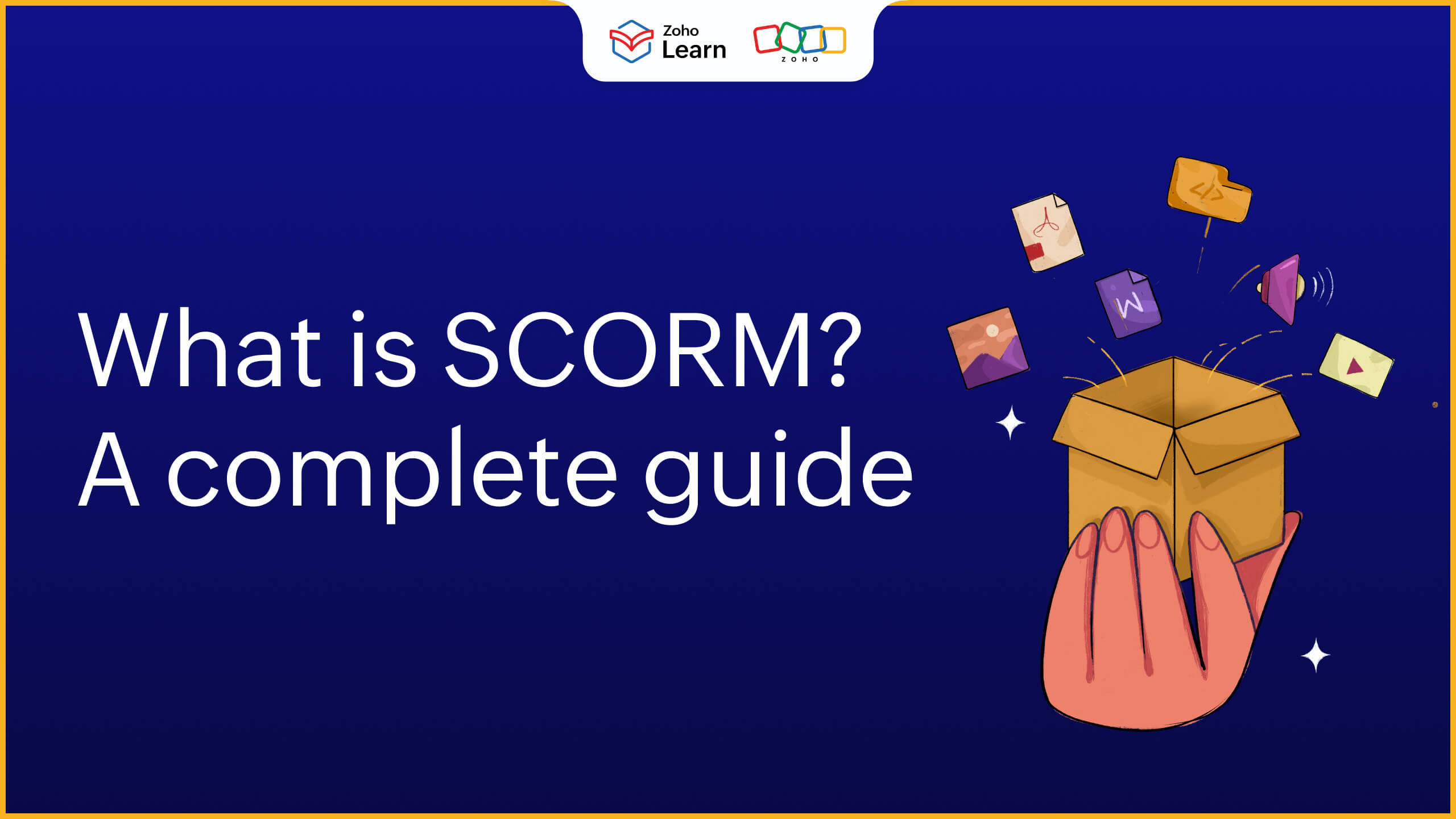
If you're tired of creating the same training over and over again, then you might want to look into SCORM. When you work in the e-learning world, it's a term you're bound to hear often. But what is SCORM? How does it work? How do you include it in your existing training? Does it really save time? Find answers to these questions and more in this article.
What is SCORM?
It is a set of technical standards that helps in creating e-learning content. It's designed to be used in learning management systems (LMS) of all kinds. To put it simply, SCORM helps learning content and LMS speak the same language.
SCORM standardizes the way in which e-learning courses are created and delivered. The main aim is to create learning modules that can be used across multiple platforms.
Breaking down SCORM
SCORM is an acronym and stands for Shareable Content Object Reference Model. It's made up of two components:
SCO (Shareable Content Object) represents the part of SCORM that can be reused across different platforms. SCO refers to any piece of content, whether it's a video or a quiz or an interactive module, that's shared with the learners through a learning platform.
RM (Reference Model) represents SCORM's standardization aspect. It's a set of rules and guidelines that helps the content communicate with the learning platform.
How do SCORM packages work?
It's fairly simple to create and deliver a SCORM course in your learning platform. The key factor is to ensure that you have chosen a SCORM-compliant LMS. Here's how it works.
First, create the content you need on an interactive and intuitive authoring tool.
Then, import this content as a SCORM file. You'll get the learning content in a ZIP file.
Once the content is ready, go to your LMS and upload your SCORM package.
Now, the LMS will take over. Once your learners access the course, your learning platform will track their progress and provide you with the necessary information.
An analogy for SCORM
Think of traffic signals around the world. The traffic colors of red, orange, and green have the same meaning and are universally recognized. These standardized symbols make it easier for the driver to understand the rules of the road, no matter where they are or what vehicle they drive. This applies to e-learning as well. SCORM standardizes the course content that can run on any learning tool.
SCORM 1.2 vs SCORM 2004 : Key differences explained
The two versions of the SCORM that are prevalent in the e-learning world today are SCORM 1.2 and SCORM 2004.
SCORM 1.2
It is the most widely used version. It's simple and straightforward and does its job really well.
SCORM 1.2 is considered the industry standard.
It tracks course completion, scores, time spent and bookmarking.
It's simple and straightforward, but lacks advanced sequencing and reporting features.
SCORM 2004
SCORM 2004 (2nd, 3rd and 4th editions) is the more recent, upgraded version.
It has better tracking capabilities.
It's advanced features are sequencing and navigation rules, conditional branching and more.
It allows more control over learning paths and learners' progress.
If you want a SCORM file that is reliable and widely supported, choose SCORM 1.2. If you prefer advanced reporting and sequencing, choose SCORM 2004 but ensure that your LMS is compatible with it.
What is tracked by a SCORM course?
You might be wondering what does SCORM exactly track. Some of the key aspects are discussed below.
Lesson location
It refers to the exact location where the learner has ended their session. Lesson location not only shows how far the learner has progressed but also help them pick up where they left off and act as a measure to find out where learners disengage and what needs to be improved in your training.
Lesson and completion status
In SCORM 1.2, lesson status covers 6 statuses - passed, failed, complete, incomplete, browsed and not attempted, while these statuses are categorized as lesson status (passed or failed) and completion status (complete, incomplete, not attempted or unknown) in SCORM 2004. Both lesson and completion status help in providing granular insights on a learner's progress and performance. It also provides the distinction between completing a course and mastering a subject. For example, "incomplete but passed" indicates that the learners are gaining knowledge but they haven't finished the course.
Session time and total time
Session time indicates the amount of time the learner has spent on this current session, while total time indicates the overall time the learners have spent on the course. These data points are useful in analyzing difficulty levels of your training programs.
Raw score
Raw score refers to the score that your learner has secured within the module. This score can be best described as the score of the correct questions within a quiz. This score will be useful in your general LMS reports as well.
Mastery score
Mastery score basically means a passing score/grade. You can set a minimum score that is considered "Pass" for your SCORM course. This helps you to look into your learners' performance in a more thorough lens.
Interactions
Any interactive element that you've added in your SCORM package is tracked through this. This includes clicks, selecting answers, matching images, drag-and-drop activities, and any other interactions you've added to your course. With this information, you can track how your learners have answered the questions or what choices they've made while working and comprehending the training program.
Sequencing and navigation
SCORM's sequencing and navigation capabilities helps to provide a structured learning experience for your teams. For example, you can ensure that your learner finishes a mandatory reading material before submitting the assignment through this. SCORM 1.2 lacked non-linear navigation and it became possible only with SCORM 2004.
What are the benefits of using SCORM?
Compatibility
One of the biggest advantages is its universal compatibility across different learning platforms. Once you create a SCORM package, it can be uploaded and used on any SCORM-compliant LMS without requiring major changes. This eliminates the need to redesign or rebuild your courses for different systems, saving both time and effort. It ensures that your learning content remains consistent, no matter where it is deployed.
This level of compatibility also gives organizations the flexibility to switch learning platforms without losing their existing content. Whether you migrate to a new system or scale your training operations, your SCORM courses remain usable and functional. This makes it a reliable and future-ready choice for organizations that want long-term value from their e-learning content.
In-depth progress tracking
SCORM provides detailed insights into how learners interact with your courses. From tracking completion status and scores to measuring time spent and individual interactions, it allows you to gather meaningful data about learner behavior. These insights help you understand how effective your training programs are and where improvements are needed.
With this level of tracking, you can go beyond surface-level reporting and make data-driven decisions. For example, you can identify modules where learners tend to drop off or questions that are frequently answered incorrectly. This helps you refine your content and create a more engaging and effective learning experience over time.
Cost-effectiveness
It helps reduce the overall cost of developing and maintaining e-learning content. Since SCORM courses are reusable across multiple platforms, you don’t need to invest in creating separate versions of the same course for different LMS tools. This significantly lowers development costs and ensures better utilization of your resources.
In addition, SCORM minimizes the need for ongoing technical adjustments. Once your content is created and packaged, it can be deployed with minimal effort. This reduces maintenance costs and allows your team to focus more on improving content quality rather than dealing with compatibility issues or technical challenges.
Consistent learner experience
It ensures that learners have a consistent experience regardless of the platform they are using. The way content is displayed, tracked, and navigated remains uniform across different LMS tools. This consistency helps learners focus on the course material rather than figuring out how the system works.
A standardized learning experience also improves engagement and knowledge retention. When learners know what to expect, they can move through courses more confidently and efficiently. This creates a smoother learning journey and ensures that your training programs deliver the intended outcomes.
Scalable and future-proof
SCORM is designed to support organizations as they grow. Whether you are training a small team or a global workforce, the learning content can be easily scaled to meet your needs. You can deploy the same course to thousands of learners without compromising performance or quality.
SCORM is a well-established standard that continues to be widely supported in the e-learning industry. This makes it a future-proof solution for organizations looking to invest in long-term training strategies. By adopting it, you ensure that your content remains relevant, adaptable, and ready to integrate with evolving learning technologies.
Limitations of SCORM
Like all learning capabilities, SCORM has its own limitations since it was built in an earlier era of learning.
It creates dependency on specialized authoring tools that adds another step to course creation.
Updating SCORM content can be time-intensive because even a small error requires editing and uploading the entire module again.
It isn't natively built for mobile learning experiences.
While these limitations adds another layer of complexity, SCORM isn't outdated; it's foundational and can fit into your organizational learning perfectly when paired with a modern LMS.
How to set up a SCORM course
If you're sold on using SCORM for your corporate training, here's how you can create SCORM training.
Step 1: Choose a SCORM-compliant LMS
This is non-negotiable! Choose a robust LMS that is SCORM-compliant and has the means for quick SCORM implementation. While a SCORM-compliant LMS is easy to find, make sure that the LMS is easy-to-use and uploading learning content is a seamless experience.
Step 2: Upload SCORM files
The next step is to upload SCORM packages onto your LMS platform. You can upload it as an entire course, get SCORM-specific reports and manage the entire course along with other training programs in a single LMS platform. You can also upload a SCORM file as an individual lesson within an existing course.
Step 3: Add assessments to your SCORM course
If you've uploaded a SCORM package as a lesson, you can mix and match with other modules like video lessons, text readings, and other types of content. You can also add quizzes or assignments after a SCORM file to create knowledge checks for your learners. By adding assessments to your SCORM course, you can deliver a complete learning experience for your teams.
Step 4: Deliver SCORM training
Now that your SCORM course is imported and ready, configure course settings and publish it instantly. Ensure that you assign the course to the learners and maintain all your training programs within a single roof.
Step 5: Track progress with SCORM reports
With SCORM reports, you can track individual learner's progression, time spent on the SCORM file, completion scores, pass/fail status and more. This gives a more detailed insight into an individual learner's understanding and interactions with the course. Insights from SCORM reports will help in tailoring course content for future training programs.
Top 5 SCORM LMS platforms
Choosing the right LMS plays a crucial role in how effectively you deliver your online training. While SCORM ensures that your content is compatible across platforms, the LMS determines how easily you can upload, manage, track, and scale your courses.
Here are five popular SCORM-compatible LMS platforms that organizations commonly use.
Zoho Learn
A popular LMS within the Zoho suite of business apps, Zoho Learn prioritizes its SCORM training and ensures that you can upload SCORM files in just a few clicks. Its simple and easy to use, making SCORM implementation a no-brainer. Zoho Learn is designed for employee, customer and partner training and is a great fit for all teams that want an intuitive interface and a straightforward way to manage training programs.
TalentLMS
Another popular SCORM-complaint LMS is TalentLMS. Its simple interface helps teams quickly upload and manage SCORM courses without much technical effort. You can create engaging courses with TalentLMS.
Docebo
Docebo is an enterprise-level LMS that combines SCORM compatibility with other advanced features. It is well-suited for organizations that want to build a comprehensive learning ecosystem.
iSpring Learn
iSpring Learn is a LMS that works seamlessly with its own authoring tool. This makes it a great choice for teams that frequently create and update SCORM content and make use of it everyday.
Moodle
Moodle is an open source LMS that supports SCORM. For educational institutions that are looking to include SCORM files in their training programs, Moodle is the perfect choice for you.
Is SCORM still relevant in 2026?
Yes, SCORM is highly relevant in 2026, mainly because of how reliable and compatible its is. Once you create a SCORM course, you can use it across different LMS platforms without having to rebuild it. This gives organizations the flexibility to scale their training programs or even switch platforms without losing their existing content.
With the constant innovation in technology and e-learning, there is an expectation for mobile-friendly content, more interactive and personalized learning experiences. Even though SCORM wasn’t originally built for all of this, it still works extremely well for structured training programs like employee onboarding, compliance training, and other certification courses.
Organizations usually don’t replace SCORM, they build on top of it. When you pair SCORM with a modern LMS like Zoho Learn, it becomes much more powerful. You not only get standardization, but also better reporting, easier content management, and a smoother learning experience overall.
FAQ
1. Do you need technical skills to use SCORM files?
No, you don't need any technical knowledge or coding capabilities. Your authoring tool does that job for you. All you need to do is create a course on your authoring tool and download it as a ZIP folder, in other words, a SCORM package.
2. How do I know if my LMS supports SCORM?
Most LMS explicitly mention if they support SCORM files. If you're choosing an LMS like Zoho Learn, you can upload both SCORM 1.2 and SCORM 2004 files easily.
3. Is SCORM mobile-friendly?
Yes, SCORM can be used on mobile phones. Although it isn't natively built for mobile devices, SCORM files with responsive layout and mobile-friendly LMS can get the job done.
4. Which version of SCORM should I choose?
If you're looking for a SCORM version that is the most widely supported, then SCORM 1.2 is the right choice. You can go for SCORM 2004 if you're looking for deeper training insights.
5. SCORM vs xAPI: Are they the same?
No, while SCORM is the industry standard for e-learning, xAPI is the newer learning standard that tracks learning outside of your LMS.
Feature | SCORM | xAPI |
Setup | Easy to implement with SCORM-compliant LMS | Requires a Learning Record Store (LRS) and more setup |
Tracking | Tracks learning within an LMS (completion, score, time) | Tracks learning anywhere (LMS, mobile apps, offline, real-world activities) |
Flexibility | Best for structured but engaging courses | Supports non-linear and experiential learning |
Conclusion
Overall, SCORM is all about the ability and flexibility to create and make use of learning content in the most efficient way possible. Newer learning standards have surely emerged, but SCORM remains the most reliable and universally adopted e-learning content format even now. To make the best use of SCORM, choose an LMS that is agile, user-friendly and SCORM compliant.
 Kirthana V
A true believer of "The pen is mightier than the sword", Kirthana is a literature lover turned content writer.
With a background in Economics and English, she hopes to bring her analytical and creative side together to deliver authentic pieces of work.