How AI can enhance workflow automation in your business
- Last Updated : February 6, 2026
- 579 Views
- 4 Min Read
Workflow automation has redefined the way businesses work today. By connecting your apps together and automating your workflows, you can now have a connected tech stack that enables seamless data transfer, helping you save time, reduce manual effort, and eliminate errors.
While workflow automation helps all your apps work together and automate your tasks, it has its limitations.
Automation can execute, but can it think?
Can it understand context?
Can it create something on its own or make its own decisions?
Imagine building workflows that can perform extensive actions like creating content and even decide what needs to happen next based on context.
That's the kind of transformation that AI can bring to workflow automation. Your workflows aren't just actionable in real time—they're smart and can decide the course of workflows as well. And what does this mean for your business? Let's take a look:
Workflows anyone can build with ease
Integration platforms make it easier for developers and IT teams to build workflows, but employees from teams like sales, support, or HR might not be able do it on their own; they'll have to depend on the IT or development teams to build workflows for them.
With AI features like text-to-workflow now available in integration platforms like Zoho Flow, you just have to prompt your idea and AI does the rest. For example, if you prompt "Create a new lead in Zoho CRM and add them to a mailing list in Mailchimp when a form is submitted in Zoho Forms," the whole workflow will be generated in a matter of seconds.
Workflows that can handle content, not just data
Integration platforms enable businesses to connect apps together, and they offer a way for seamless transfer of data across them, eliminating manual data transfer. Now with AI, your workflows aren't just limited to data transfer; it can manage the content within your workflows, making them smarter.
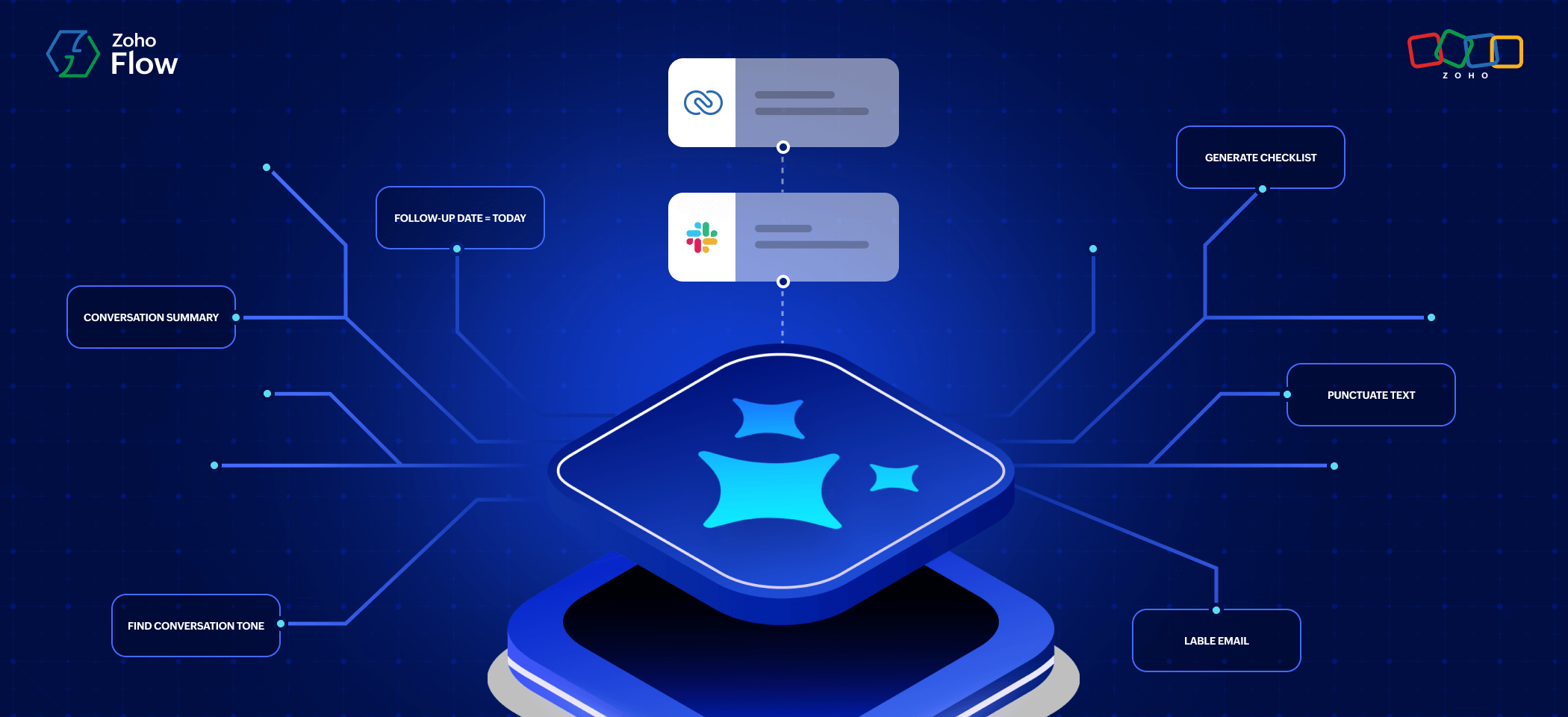
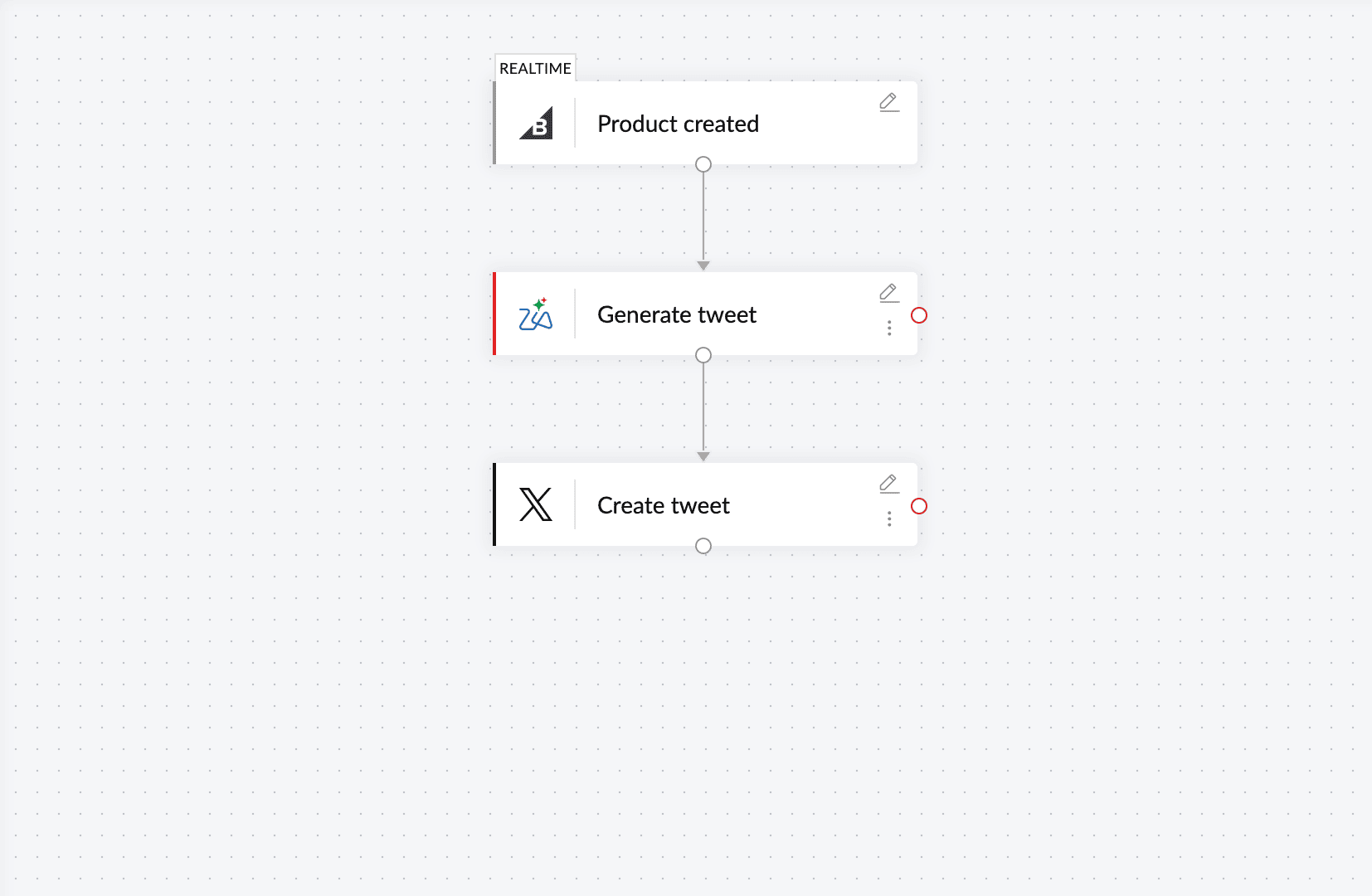
Apart from traditional—create, delete, update, fetch, and notify—actions, AI brings in a new angle. Your workflows can generate a new tweet based on a product update, summarize an incoming support ticket, review or rephrase text in a Zoho Writer document, and more.
Workflows that are proactive
AI can bring new dimensions to your workflows, letting it react to previous triggers/actions rather than just responding. It can not only generate or summarize content, it can turn data elements into actionable items, making your workflows more proactive and actionable.
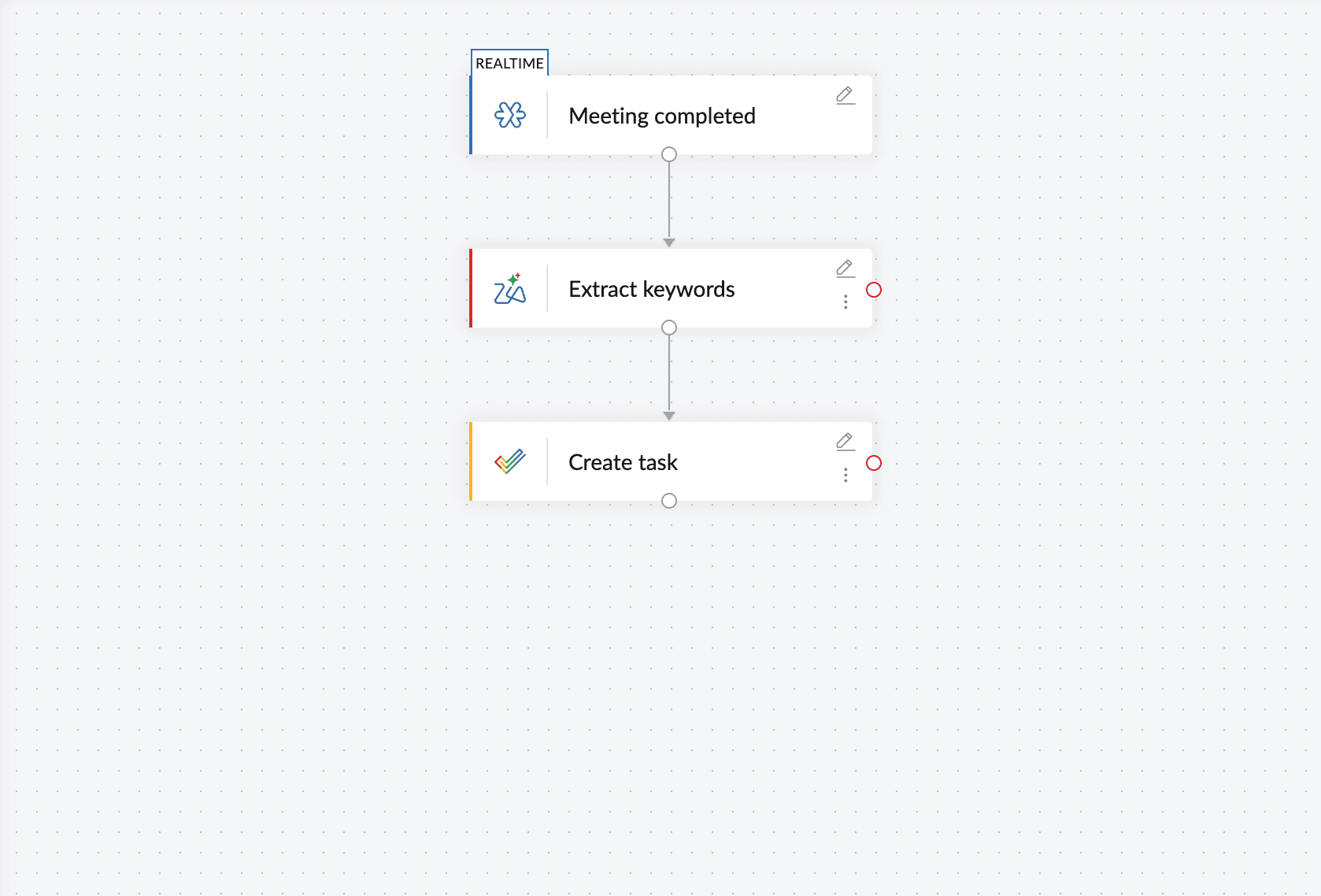
For example, let's say you're building workflows to streamline your emails. With AI, your workflows can label the email based on its content, generate relevant replies, and send you summaries of the email. Similarly, if you have an essay or a meeting transcript, AI can pick keywords from them and add them as tasks in your project management apps.
Workflows that are context-aware
Context has been a huge gap between software applications and human beings, and AI has evolved to fill this gap, helping software understand context. Your workflows used to only be capable of executing what you configured, but AI has changed the game here as well. Your AI-based workflows can now understand your intent and the context of the data.
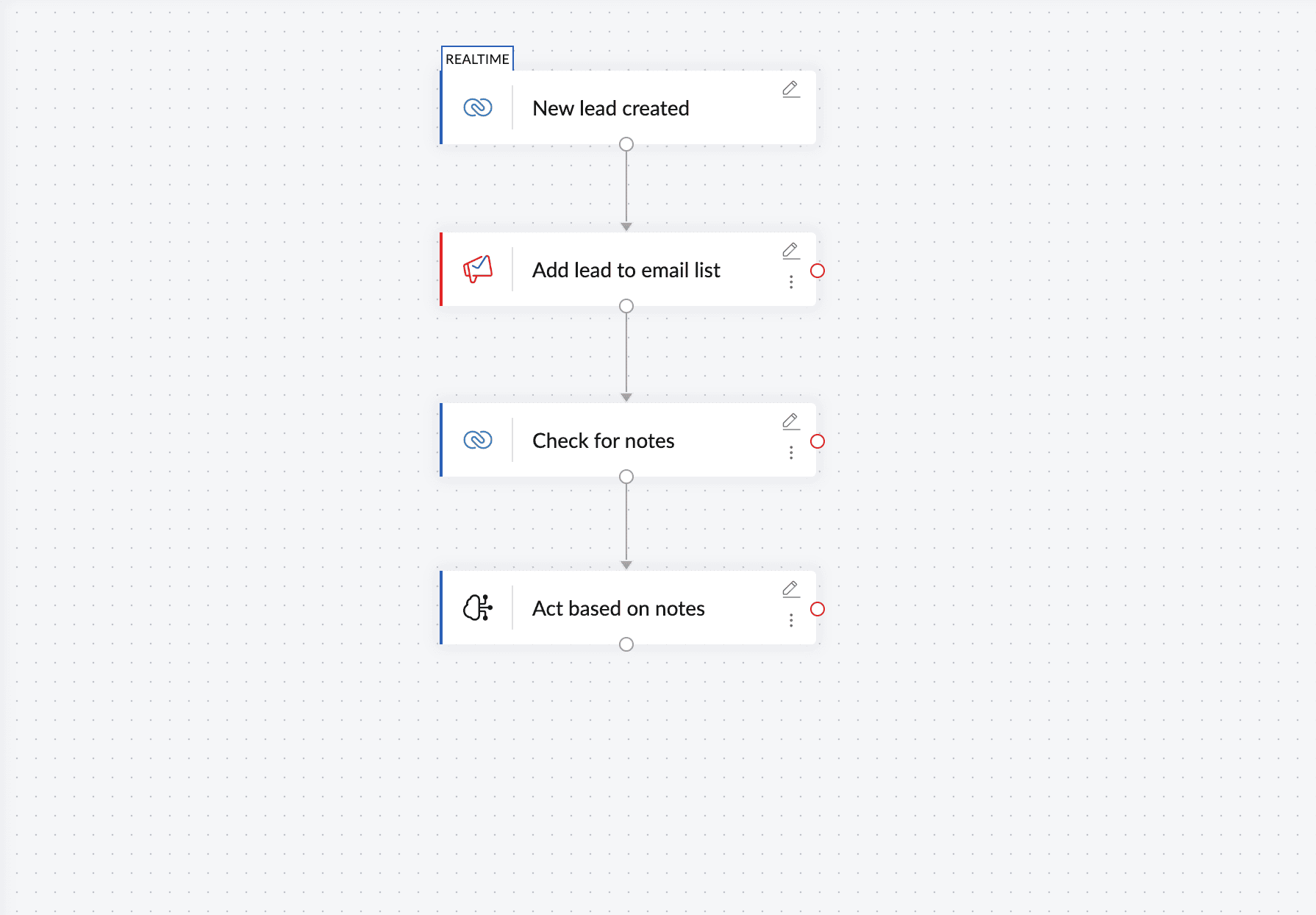
This lets you provide prompts to your workflows, and it can understand what you expect from it rather than just following set instructions. For example, if there are notes in a lead entry in Zoho CRM, your AI workflow can go through these notes, understand what's required, and route the lead based on the context of the note.
Workflows that can make decisions
When you set up an automated workflow to perform a set of tasks, your workflow might have to take different routes based on the received data. For example, in a feedback form, if the rating is less than 3 out of 5, you might have to create an escalation; but if the rating is more than 3, an escalation is unnecessary. In such cases, integration platforms offer you logic elements like decision branches.
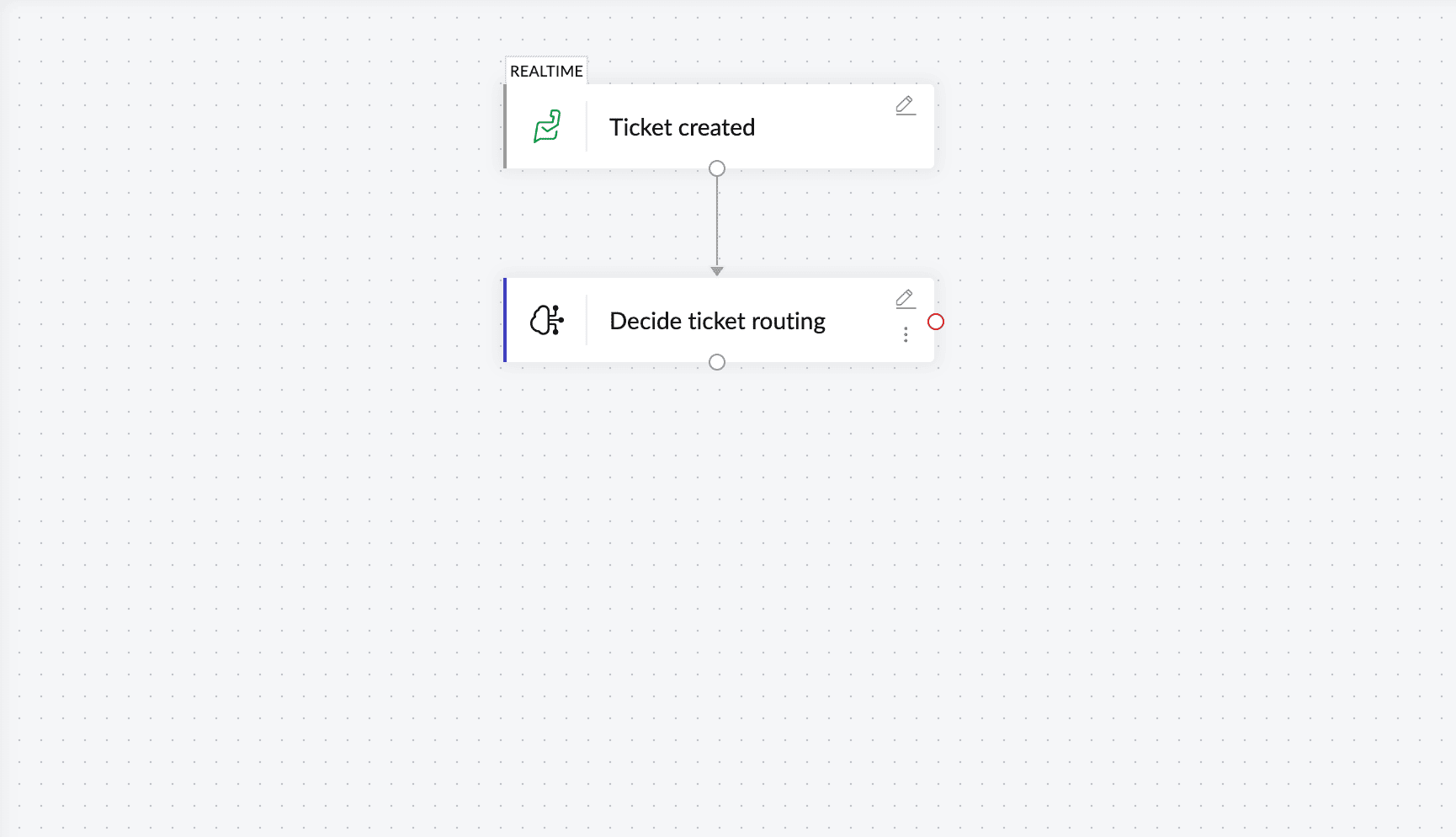
These decision branches can be configured for you to decide the direction of your workflow based on the inputs. However, AI can take this up a notch. It can enable your workflows to make decisions purely based on context. This means you can bring in an agentic action to your workflow, and the agent will decide what to do with the feedback form based on its input.
So now you don't have to think of every scenario, and you don't have to build an extensive workflow with multiple decision branches. AI can decide the course of your workflows, making it truly automated.
Get started with AI automation using Zoho Flow
AI in Zoho Flow can help businesses scale effectively by automating intelligent and adaptive workflows. With Zoho Flow's AI features, you can do anything from generating a whole workflow with a prompt to adding intelligent steps to your workflows and letting your workflows make contextual decisions.
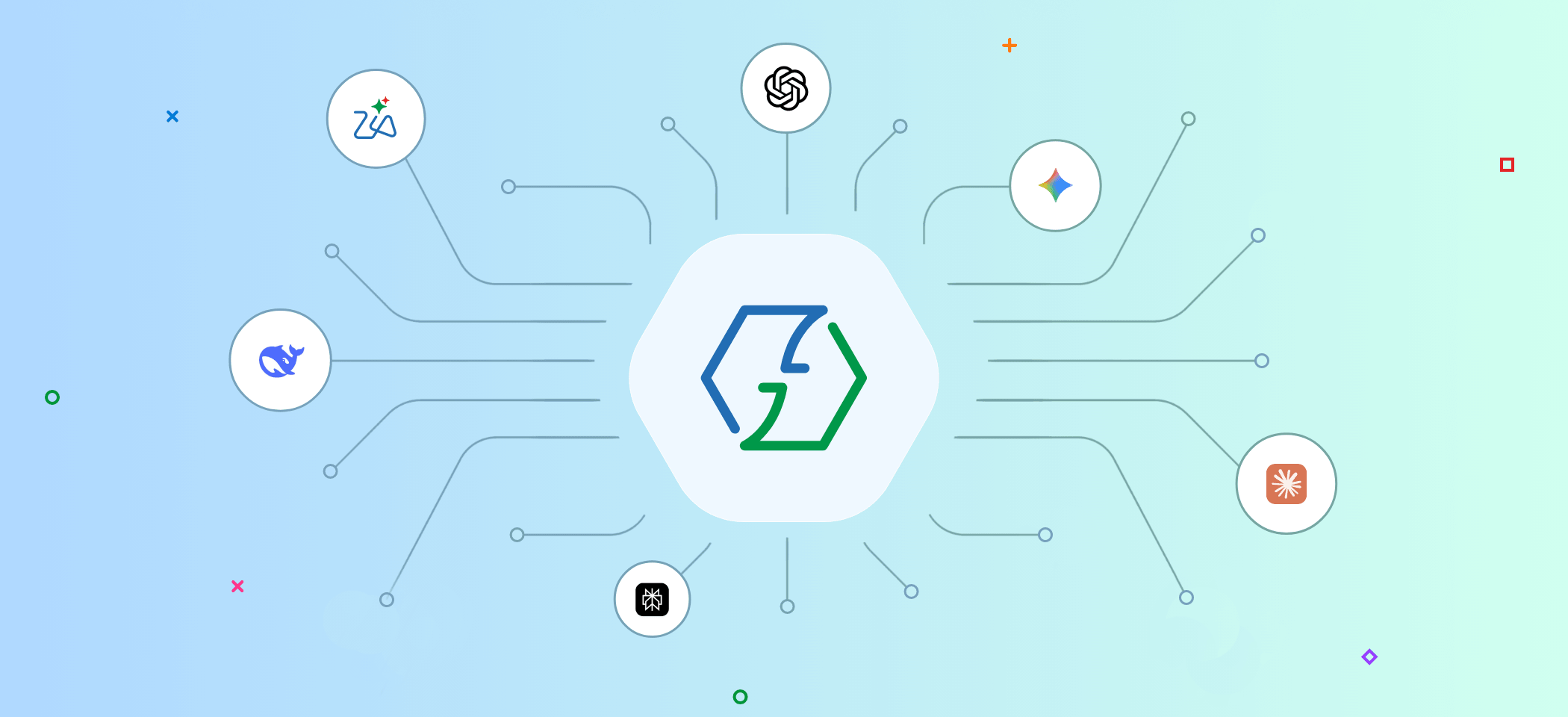
You can now sit back and let AI automate workflows for you, stepping in only when you feel it's necessary. Apart from its built-in AI features, Zoho Flow also offers integrations with numerous AI platforms, like ChatGPT, Perplexity, DeepSeek, Anthropic Claude, and more.
Sign up with Zoho Flow and start exploring the power of AI in workflow automation today.
 Sooraj
Content writer for Zoho Flow. Ardent fan of sports and movies.