- HOME
- Know Your Tech
- What is a case management system? Examples and benefits
What is a case management system? Examples and benefits
- Last Updated : January 4, 2026
- 1.2K Views
- 9 Min Read
How do you keep track of hundreds of customer requests, incident reports, or service claims without losing important details? When cases arrive unpredictably, and each one requires different steps to resolve, manual tracking through spreadsheets breaks down quickly. Support tickets get lost, claim files go missing, and you waste hours searching for information.
Overview
- Assess business needs: Understand the scope, case structure, and customization requirements before selecting a system.
- Prioritize key features: Focus on task management, workflow customization, time tracking, reporting, and integration capabilities.
- Plan for scalability: Ensure the system can adapt to future growth using low-code tools, automation, and flexible architecture.
- Factor in total costs: Consider licensing, infrastructure, training, and ongoing support when evaluating long-term value.
A case management system helps you track individual requests, incidents, inquiries, claims, and investigations from the moment someone submits them until your team reaches a resolution. The volume changes daily, and each case follows different paths depending on its specific circumstances.
This blog post shows you actual case management system examples across industries and explains the features that make them effective for different case types. Find out which case management system best fits your business needs.
What is a case management system?
A case management system is software that helps you track, manage, and resolve individual cases from start to finish. These cases include customer service requests, warranty claims, incident reports, legal matters, patient care coordination, social service assistance, and investigations. Each case is a separate item requiring attention, documentation, and resolution.
The system creates a record for each case, assigns it to the right team members, tracks all related activities and communication, stores relevant documents, and monitors progress until resolution.
For instance, when a customer submits a warranty claim, the system creates a case record, assigns it to the right team member, tracks all communication and documentation, and monitors progress until you approve or deny the claim. The case record also keeps the complete history, making it easy to answer questions or handle escalations.
The global case management software market was valued at $7.32B USD in 2023 and is projected to reach 15B USD by 2030, growing at a CAGR of 11.2% from 2024 to 2030.
Key features of a case management system
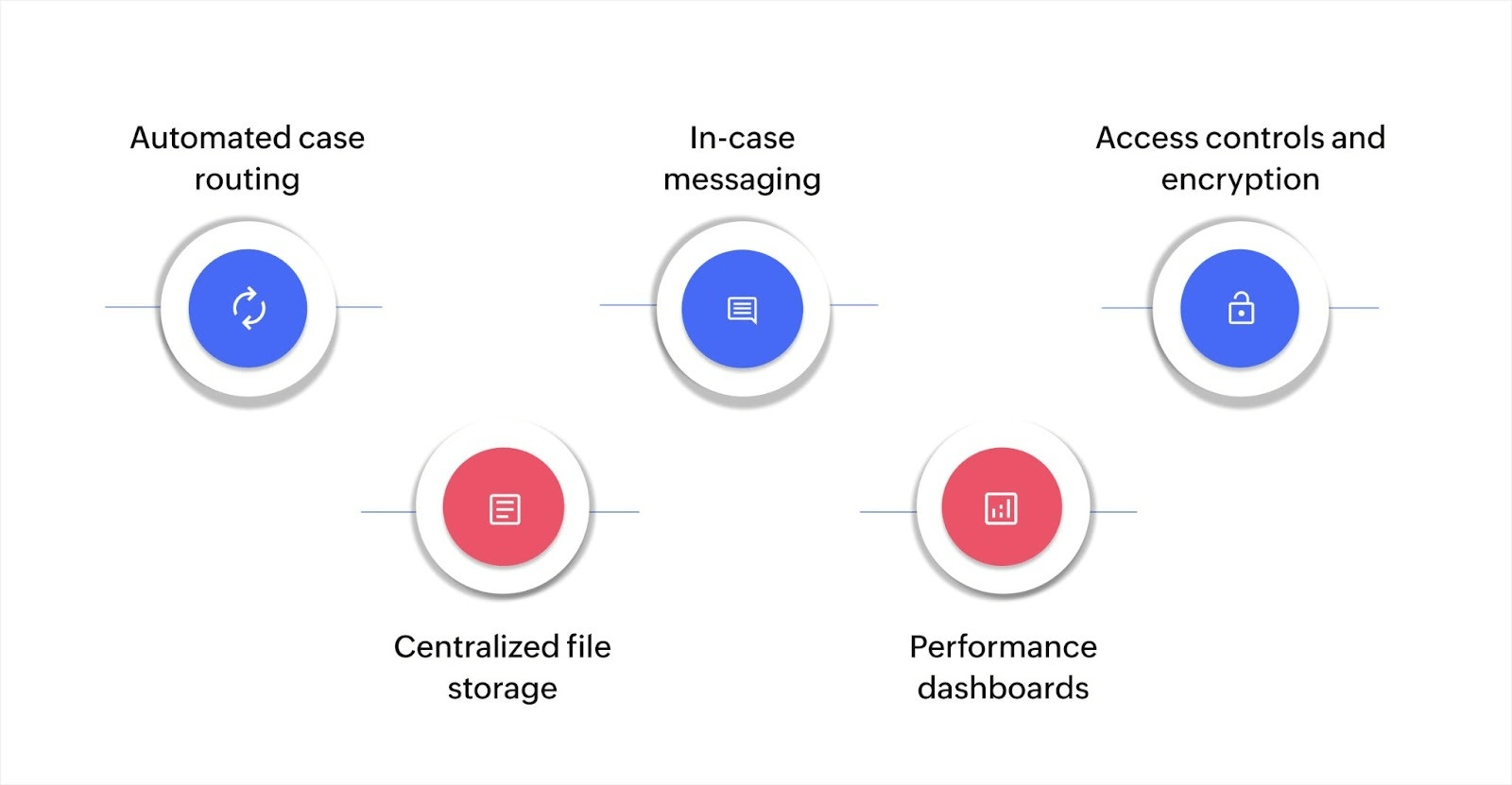
Case management systems include several core capabilities that help you track and resolve cases efficiently. Here's what you'll find in most systems:
- Automated case routing: Assigns incoming cases to the right team members based on workload, expertise, or case type without manual sorting
- Centralized file storage: Keeps all case-related documents, emails, and attachments in one searchable location with version control
- In-case messaging: Allows team members to communicate and share updates within each case record instead of across scattered channels
- Performance dashboards: Displays case volumes, resolution times, workload distribution, and process bottlenecks in real time
- Access controls and encryption: Protects sensitive case information through role-based permissions, data encryption, and detailed audit trails
Benefits of using a case management system
Improved efficiency
Automating routine tasks and optimizing workflows reduces the time spent on manual processes. This allows employees to focus on high-priority activities, speeding up case resolution and improving overall productivity.
Better data management
A centralized system organizes all case data, making it easy to access and manage. This ensures data accuracy and eliminates the need for manually updating multiple spreadsheets, which improves decision-making.
Enhanced collaboration
Real-time communication features enable smooth teamwork, ensuring that everyone involved in a case is on the same page. This reduces miscommunication and accelerates the resolution process.
Compliance and security
With built-in security features, a case management system helps businesses adhere to industry regulations. It provides secure storage, data protection, and detailed tracking of all case-related activities, ensuring compliance and safeguarding sensitive information.
With these key benefits, a case management system helps your business function more efficiently, reduces errors, and ensures secure, compliant operations across all levels.
Popular case management system examples
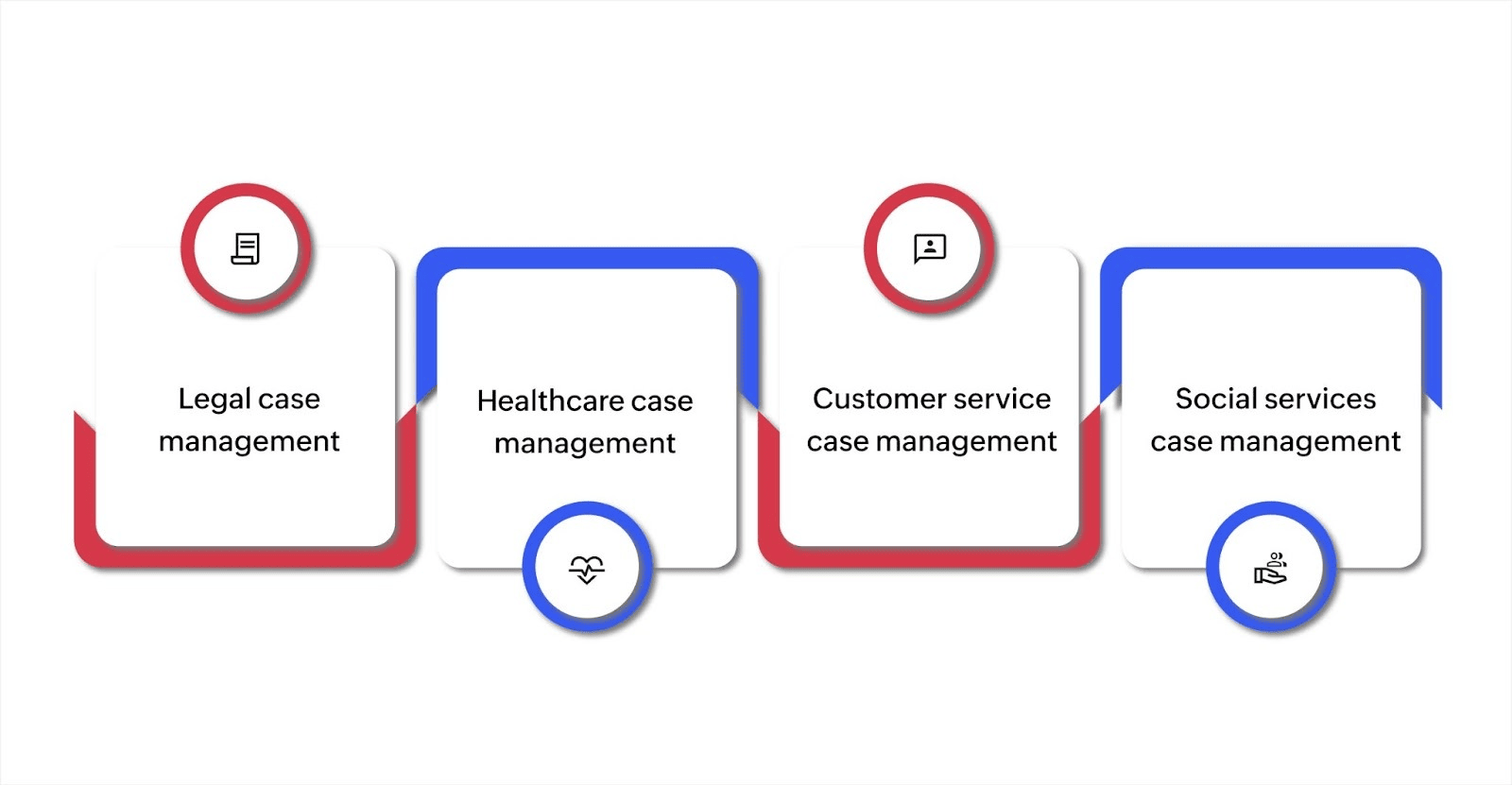
The case management software market in North America is set to expand from $2.37B UD in 2024 to $7.05B USD by 2034, growing at a CAGR of 11.52%. This fast growth reflects the increasing need for businesses to simplify their processes, automate workflows, and manage cases more effectively. Here are several popular case management system examples across industries:
Legal case management systems
Legal case management systems are essential for law firms that deal with complex cases. These systems help manage all aspects of case work, from client intake to final resolution. Key features typically include:
- Task automation: Automates routine tasks like scheduling, document filing, and tracking deadlines
- Document management: Centralizes all case-related documents, making them easily accessible
- Time tracking: Tracks billable hours and integrates with accounting systems for smooth billing
By implementing a legal case management system, law firms can increase efficiency and reduce human error. This system ensures that no important deadline is missed and that all legal requirements are adhered to. Moreover, it enables law firms to maintain a clear overview of case progress and the resources allocated to each case.
Healthcare case management systems
Healthcare case management systems are used by healthcare providers to manage patient care and improve health outcomes. These systems are important in ensuring that patients receive the appropriate services at the right time. Some of the key functions of healthcare case management systems include:
- Patient tracking: Monitors patient progress, including treatments, follow-ups, and health outcomes
- Care coordination: Helps case managers coordinate care across multiple departments or service providers
- Billing and insurance management: Simplifies the process of insurance verification, claims, and billing
These systems improve workflow efficiency in healthcare settings by centralizing patient information, making it accessible to all relevant healthcare professionals. As a result, healthcare providers can ensure that patients receive timely and efficient care while also meeting compliance requirements and reducing administrative costs.
Customer service case management systems
For businesses looking to optimize customer service, case management systems are invaluable. They provide a structured workflow for managing customer complaints, inquiries, and support tickets. These systems ensure that each customer issue is assigned to the appropriate team member and resolved efficiently. Some essential features include:
- Ticketing system: Ensures that each customer issue is treated as a separate "case" and tracked from initiation to resolution
- Case escalation: Automatically escalates issues that require further attention to senior staff
- Knowledge base integration: Provides self-help resources for customers, reducing the number of support tickets submitted
By utilizing a customer service case management system, businesses can enhance customer satisfaction by ensuring that no complaint or inquiry is overlooked. Additionally, it provides metrics for businesses to monitor their support team’s performance and improve service delivery.
Social services case management systems
Social services case management systems are used by government agencies and nonprofit organizations that provide support to individuals and families in need. These systems help manage a wide variety of cases, from housing assistance to child welfare services. The core features of these systems include:
- Client intake and assessment: Captures all relevant client information and evaluates their needs
- Service tracking: Monitors the services provided to each client, ensuring that support is consistent and appropriate
- Outcome measurement: Tracks the effectiveness of services delivered, allowing agencies to refine their approach
These systems are essential for ensuring that vulnerable populations receive the right support at the right time. They also help organizations comply with regulatory standards and maintain accurate records for reporting purposes.
By adopting a customized case management system, your organization can automate workflows, improve communication, and ensure that no case falls through the cracks. Whether in legal, healthcare, customer service, or social services, the right case management system helps simplify operations and improve outcomes.
Choosing the right case management system for your business
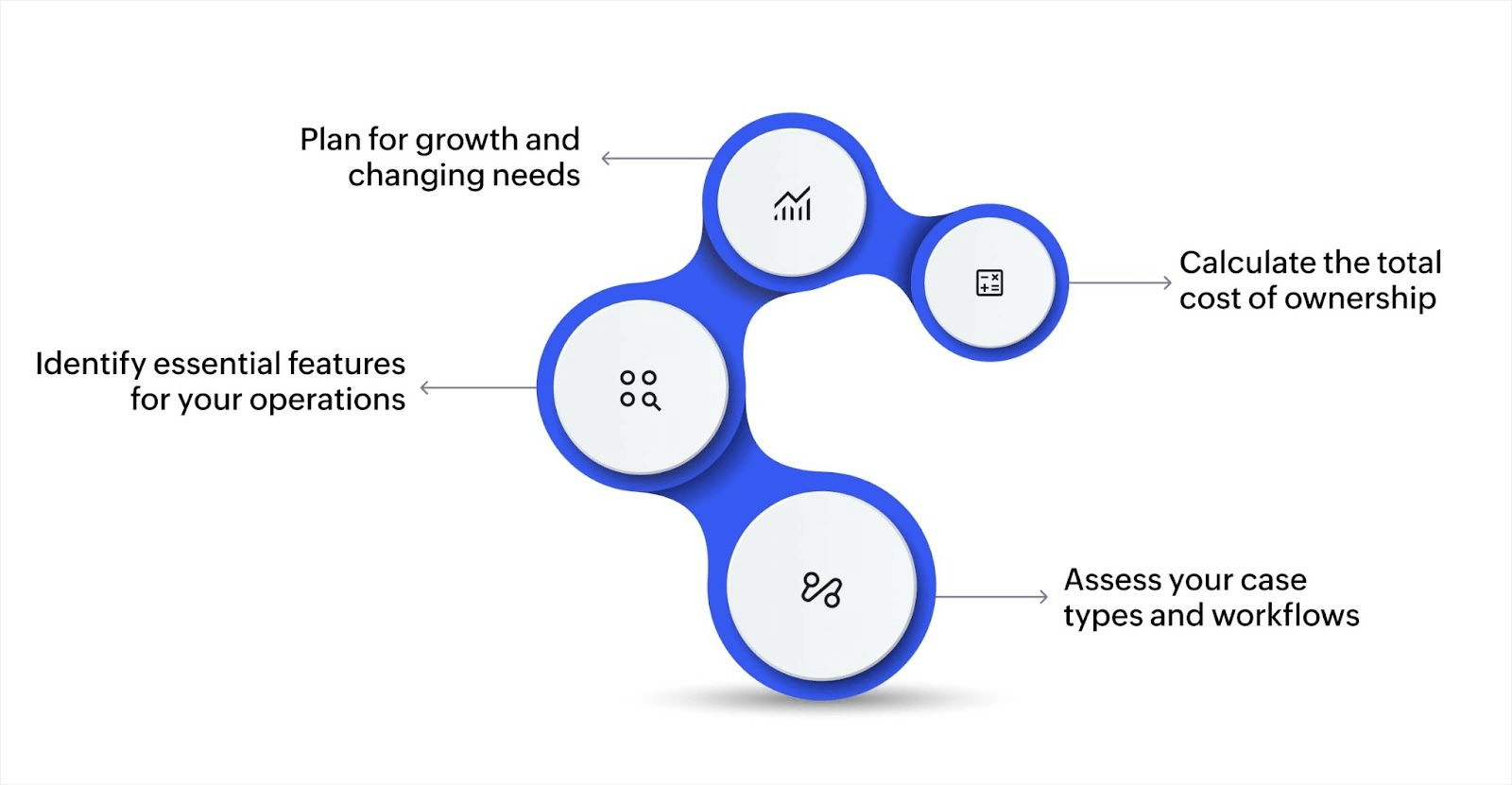
The system you pick needs to match how your business actually handles cases. Here are the key factors to consider:
Assess your case types and workflows
Start by identifying what makes up a case in your operations. Customer service requests, warranty claims, incident investigations, and client matters all have unique requirements.
Map out your current process by answering these questions:
- Case intake: How do cases enter your system (email, web form, phone call, walk-in)? This determines what integration points you need with existing communication channels.
- Assignment rules: Who handles which case types based on expertise or workload? Clear assignment logic prevents cases from sitting unattended.
- Required steps: What actions must happen before you can close each case type? Some cases need approvals, others need documentation, and some require external vendor work.
- Handoff points: Where do cases move between team members or departments? These transitions are where delays typically occur and information gets lost.
- Information needs: What data do you need to collect and track for each case? Different case types require different fields and validation rules.
For instance, a property management company handling maintenance requests needs tenant contact information, unit details, vendor assignments, and completion photos. A consulting firm managing client engagement needs a work scope, deliverables, team assignments, and billing milestones.
Identify essential features for your operations
Focus on features that solve your actual problems rather than seeking the most feature-rich option. Here's what to prioritize based on your case types:
| Your priority | Features to look for |
| Quick case resolution | Automated task assignment, deadline tracking, escalation workflows |
| Document management | Version control, search functions, file organization, secure storage |
| Team collaboration | In-case messaging, activity feeds, notification preferences |
| Compliance requirements | Audit trails, access controls, data encryption, retention policies |
| Performance visibility | Custom dashboards, resolution time tracking, workload distribution |
The right features depend entirely on your industry and case types. Legal cases need strong deadline tracking and conflict checking. Healthcare cases require HIPAA-compliant security and insurance integration. Similarly, customer service cases benefit from knowledge base integration and customer portals.
Plan for growth and changing needs
Your case volume will change as your business grows or launches new services. Look for systems that adapt without forcing you to switch platforms later.
Here's what makes a system flexible enough to grow with you:
- Visual workflow builders: Can you modify processes without coding or waiting for developers? This lets you adjust workflows as you discover better ways to handle cases.
- Multiple case types: Can you add new case categories with different forms and workflows? Your business will likely need to track new case types as services expand.
- Capacity scaling: Does performance stay consistent as case volume increases? Systems should easily handle high volumes without slowdowns or requiring expensive infrastructure upgrades.
- Rule customization: Can you adjust automation logic as your processes evolve? Business rules change frequently, and your system should accommodate updates quickly.
For instance, a retail company processing 50 warranty claims weekly might need capacity for 500 claims within two years. A healthcare provider adding new service lines needs to configure case types for those services quickly.
Calculate the total cost of ownership
Look beyond the monthly license fee to understand what you'll actually spend. Here's how costs break down:
| Cost category | What to consider | Typical impact |
| Initial setup | Implementation fees, data migration, workflow configuration, staff training | One-time expense, varies by complexity |
| Licensing | Per-user fees, per-case volume pricing, feature tier costs | Monthly or annual recurring cost |
| Infrastructure | Cloud hosting (included) vs. on-premises servers, storage, IT support | Cloud typically lowers total cost |
| Customization | Workflow modifications, new integrations, and custom reports | Ongoing as needs evolve |
| Support | Technical support plans, vendor assistance, and troubleshooting | Annual percentage of license cost |
Cloud-based systems typically include hosting, maintenance, and automatic updates in subscription pricing. On-prem systems require server infrastructure, IT support, and manual upgrade processes.
Final thoughts on choosing the right case management system
Selecting the right case management system is essential for businesses looking to improve efficiency, reduce errors, and ensure timely case resolution. A well-chosen system can help organize workflows, automate routine tasks, and provide real-time insights, allowing your team to focus on more strategic work. As your business grows and your needs evolve, it’s important to choose a solution that can adapt accordingly.
For businesses seeking a flexible, low-code platform to build a custom case management system, Zoho Creator provides a solution that allows you to design and automate workflows without extensive technical expertise. Its integration capabilities and security features ensure your team can track cases efficiently and keep sensitive data secure. By using Zoho Creator, you can customize the system to your specific requirements, making it easier to manage cases across various departments or teams.
If you're ready to explore how a case management system can benefit your business, learn more about Zoho Creator and start building a solution that fits your needs today.
FAQ
How can a case management system help with client communication?
A case management system improves client communication by providing integrated messaging features, real-time updates, and centralized case history, ensuring all interactions are logged and accessible.
What is the difference between a case management system and a project management tool?
While both systems help manage tasks, a case management system is designed to handle cases that require legal or regulatory compliance, while project management tools focus on tracking project timelines, milestones, and deliverables.
How do case management systems ensure data security?
Case management systems use encryption, secure access controls, audit trails, and compliance with data protection regulations like GDPR to safeguard sensitive information.
What are the common challenges businesses face when implementing case management systems?
Common challenges include employee resistance to new technology, data migration issues, integrating with existing software, and ensuring proper training for all users.
 Merlin
Merlin is our in-house digital workplace content specialist. She spends part of her days combining her passion for writing with marketing. The rest of her time is spent reading manga, battling friends in online games, and discovering new music.