

- HOME
- Accounting trends & insights
- Why accounting firms are moving to cloud accounting
Why accounting firms are moving to cloud accounting
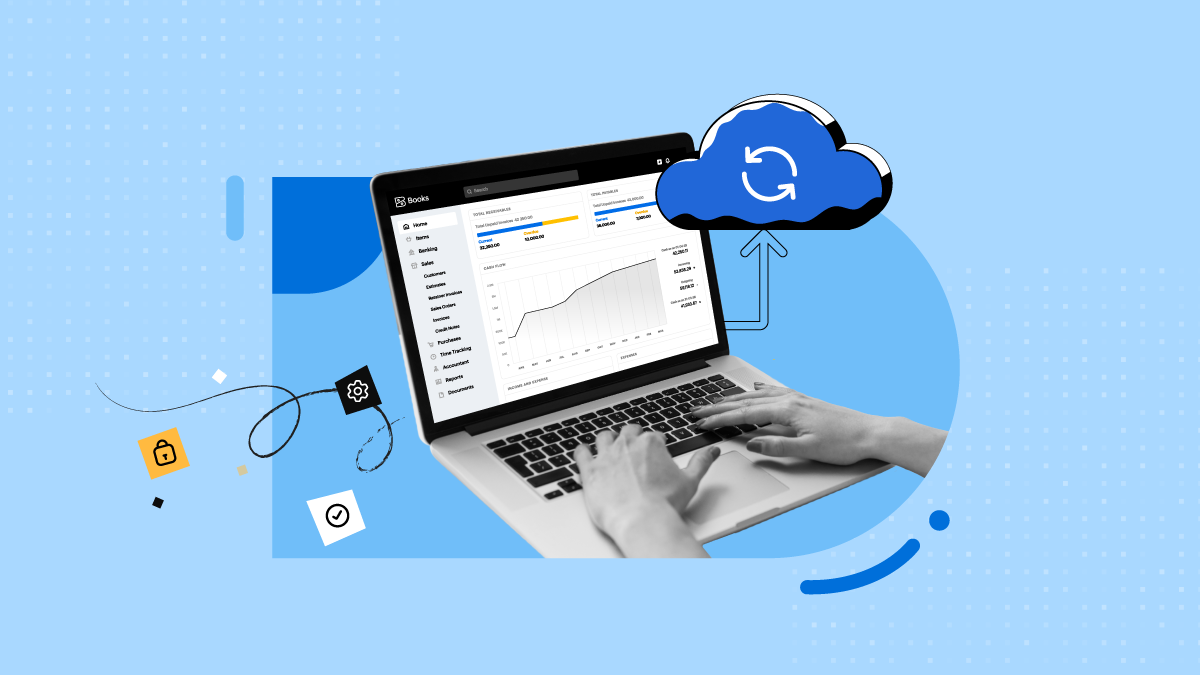
The way accounting practices work is changing. More UK firms are moving away from desktop software, spreadsheets, and manual processes and adopting cloud accounting to manage their day-to-day work. With cloud accounting, firms can access live financial data, work with clients in real time, and automate routine tasks.
For accountants and bookkeepers, this shift is about more than moving to new software. Making Tax Digital (MTD) is expanding, clients expect quicker responses, and many practices are taking on more advisory work. Having the right tools and up-to-date financial information can make it easier to maintain with these changes.
What is cloud accounting?
Cloud accounting is accounting software hosted online rather than installed on a single computer. Financial data lives on secure remote servers and can be accessed from any device with an internet connection.
Most cloud platforms connect to business bank accounts through bank feeds, so transactions flow in automatically rather than being keyed in by hand. Because the data is stored centrally, you, your team, and your client can all work from the same up-to-date set of books simultaneously.
For a firm, that changes the working pattern. You no longer wait for a client to send files, and you no longer manage version control across inboxes.
Why are UK accounting firms making the switch?
Making Tax Digital
MTD is the biggest single driver. MTD for Income Tax began on 6 April 2026, requiring digital recordkeeping and quarterly updates to HMRC through compatible software for sole traders and landlords above the qualifying income threshold.
For practices, this means a large part of the client base now needs software-based recordkeeping, and someone has to set it up, monitor it, and submit through it. Firms that already work on HMRC-recognised cloud software can onboard MTD clients quickly. Firms still on desktop tools or spreadsheets face a bridging exercise for every client.
Clients expect real-time answers
Business owners are used to seeing live balances in their banking apps. With cloud accounting, cash flow, outstanding invoices, and profit and loss are visible as transactions happen, not weeks later.
Automation frees up billable time
Data entry is where practices lose numerous hours. Cloud accounting reduces it by automating the repetitive work:
Bank feeds that import and categorise transactions
Bank reconciliation with rule-based matching
Recurring invoices and automated payment reminders
Approval workflows for accounts receivable and payable
Every hour not spent on keying and chasing can go towards review, planning, and advice, which is the work clients value most and are most willing to pay for.
Collaboration replaces the back-and-forth
In a desktop setup, the workflow often looks like this: The client emails a spreadsheet, the accountant updates it, and someone eventually works with an outdated version of it.
On a cloud platform, you and your client see the same live data. Queries can be raised against a specific transaction, corrections happen in one place, and there's no more hunting through email threads. It also makes it easier to support clients between deadlines instead of only at them.
Better accuracy and fewer compliance surprises
Manual entry invites errors such as transposed figures, duplicates, and missed transactions. Automated imports and consistent processes reduce these at source. Cleaner records mean fewer year-end adjustments, smoother VAT, and MTD submissions, and a lower risk of penalties for the clients.
The move from compliance to advisory
Tax returns and bookkeeping are becoming more automated across the industry. The firms that grow are the ones that use the time saved to offer advisory work such as KPI tracking, budgeting, and funding support.
Cloud accounting makes that possible because the data is already live, structured, and shareable. Dashboards and reports can be set up once and reviewed with the client regularly, rather than assembled from scratch each time.
Work from anywhere and hire from anywhere
Hybrid and remote working is now normal in UK practices. Cloud accounting lets your team access client files from the office, home, or a client's premises without VPNs or file transfers. It also widens your hiring pool, since you're no longer limited to staff who can be in a specific office to use a specific machine.
Security and continuity
Security is a common concern, particularly for firms handling sensitive client data. Reputable cloud platforms use encryption, access controls, and continuous monitoring, and they manage backups automatically. Compared with data sitting on a single office machine, that can be a more resilient setup. It also means a device failure or office disruption doesn't stop your work.
That said, security is shared. Firms still need strong password practices, multi-factor authentication, and clear user permissions for staff and clients.
Scalability without switching systems
As your client list grows, you can add users, clients, and integrations without replacing your core system. Cloud platforms also receive updates automatically, so you're not managing version upgrades or waiting for compatibility patches when regulations change.
Practice-level comparison for cloud vs. traditional desktop
| Traditional desktop | Cloud accounting |
Data access | Tied to specific machines | Any device, anywhere |
Client collaboration | Emailed files, version issues | Shared live ledger |
Bank data | Manual entry or file imports | Automated bank feeds |
MTD readiness | Often needs add-ons or bridging | Built for digital recordkeeping and submissions |
Updates | Manual instals | Automatic |
Reporting | Periodic | Real time |
Scaling | Extra licences and hardware | Add users and clients as needed |
Challenges to plan for while switching to cloud accounting software
Client readiness: Some clients will be reluctant, especially those used to paper records or spreadsheets. Explain the benefit of cloud accounting to them.
Data migration: You'll need to clean up opening balances and historic data before importing to save time later.
Team training: Budget time for staff to get comfortable with new workflows.
Pricing: Review your fee structure. If automation cuts your compliance hours, consider packaging advisory or monitoring services into your offering.
Integrations: Confirm that payroll, payments, expenses, and other tools you rely on will connect properly.
What to look for in cloud accounting software
When comparing platforms, consider:
HMRC recognition, support for MTD and direct filing
Bank feed coverage across UK banks
Multi-user and accountant access with clear permissions
Automation for invoicing, reconciliation, and approvals
Reporting and dashboards you can share with clients
Integrations and open APIs for the rest of your tech stack
Support, training resources, and a track record of keeping pace with UK regulations
Zoho Books, for example, is an HMRC-recognised cloud accounting platform that lets accountants invite clients, set up AR/AP workflows, manage recurring invoices, reconcile bank feeds, and build dashboards and reports, all in one place.
Conclusion
Cloud accounting has moved past being a trend. It is becoming the standard operating model for UK practices, driven by MTD, client expectations, and the growing demand for advisory support.
For accountants and bookkeepers, the question is no longer whether to move, but how to utilise it well. The firms that do it thoughtfully will spend less time on data entry, respond to clients faster, and be better placed to grow their advisory work. Pairing the right technology with the right processes is what makes the difference.