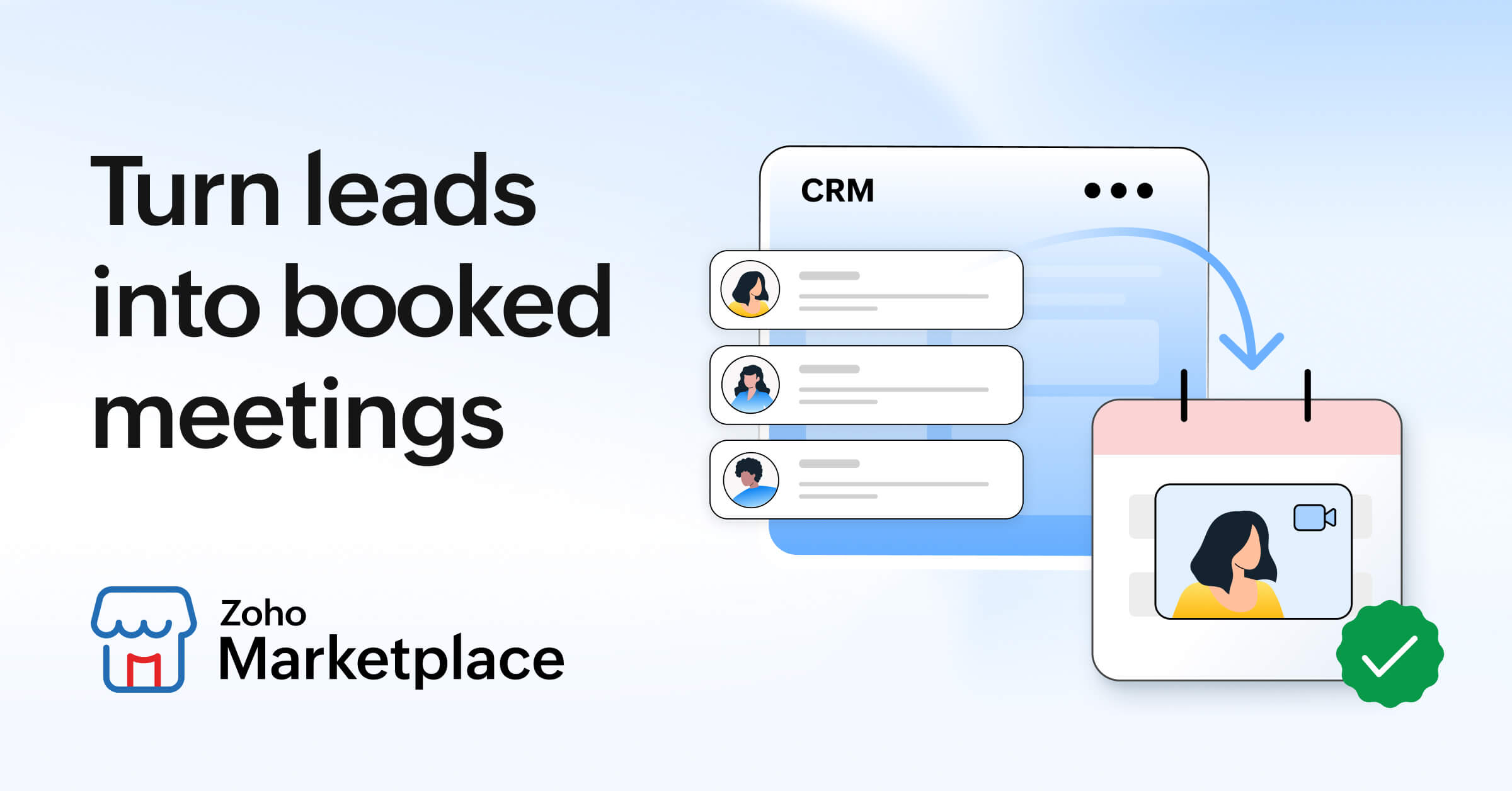
3 ways to book more meetings from your Zoho CRM leads

This is a guest post by Kriti Mishra, SaaS Product Marketer at Klenty.
If you're running an SDR team on Zoho CRM, you already know the problem is turning those leads into conversations. That takes two things: reaching prospects across more than one channel and having enough live phone conversations to actually build a pipeline.
Here are three ways to do that without adding manual work for your reps.
1. Run systematic, multichannel outreach
The first step is getting your Zoho CRM data into your outreach workflow without manual list-building. Look for a setup that detects your Zoho CRM views across leads, contacts, and deals, so new records that match your filters flow into outreach sequences on their own.
From there, standard and custom CRM fields should map automatically, so your reps’ outreach always reflects accurate, up-to-date lead and deal data, with no manual field-matching required.
Once leads are in, reps can build sequences that combine email, calls, social, and SMS touchpoints in a single cadence instead of juggling separate tools or manual reminders for each channel.
AI can help here too. Assistants working within these sequences can take on list-building, account research, and personalized messaging, so reps spend less time on prep and more time on outreach.
2. Scale conversations over the phone
Multi-channel sequences are only as good as your ability to get someone on the phone. If a call is the first step in your sequence, the goal is more live conversations, not just more dials.
Dialers help with volume. A power dialer calls an entire list sequentially with one click, while a parallel dialer lets reps dial multiple leads at the same time. Both increase calling volume without extra manual effort.
Volume alone doesn’t fix low connect rates, though. Prioritization and caller ID strategy matter just as much:
Prioritized call lists: As soon as reps log in, they should see a ranked list of leads to call, built from signals like missed incoming calls, follow-ups after a first connect, and intent picked up from other channels such as email.
Smarter caller IDs: Rotating call-from numbers based on volume thresholds and matching the caller ID to the prospect’s local area code can both improve answer rates.
AI-assisted follow-up: After the call, AI can listen in and generate a summary of what was discussed along with the next step. This gives reps a structured, consistent follow-up process for every prospect instead of relying on manual notes.
3. Save time with two-way Zoho CRM sync
None of this matters if reps are stuck doing admin work between calls and emails. A bi-directional Zoho CRM sync means activity, outcomes, and call notes flow automatically in both directions: what’s updated in your outreach tool reflects in Zoho CRM and vice versa.
A few examples of what that looks like in practice:
When a deal moves to a new stage in Zoho CRM, the matching playbook is triggered automatically in your outreach tool.
When a prospect takes an action, such as opening an email, replying, or taking a call, the corresponding activity is created automatically in Zoho CRM.
Reps can add leads to cadences, start cadences, and make calls directly from inside Zoho CRM without switching tools.
The takeaway
Getting more meetings booked from Zoho CRM leads comes down to three things: reaching prospects across channels, having more real conversations on the phone, and removing the manual admin work in between. Together, they let SDR teams build a repeatable sales process instead of relying on one-off efforts from individual reps.
A sales engagement platform like Klenty brings these pieces together. It offers multichannel cadences, power and parallel dialers, AI-assisted prioritization and call follow-up, and a two-way sync with Zoho CRM.
Comments