- HOME
- CPQ (Configure, Price, Quote)
- Product catalog management: Benefits, challenges, and best practices for B2B and subscription businesses
Product catalog management: Benefits, challenges, and best practices for B2B and subscription businesses
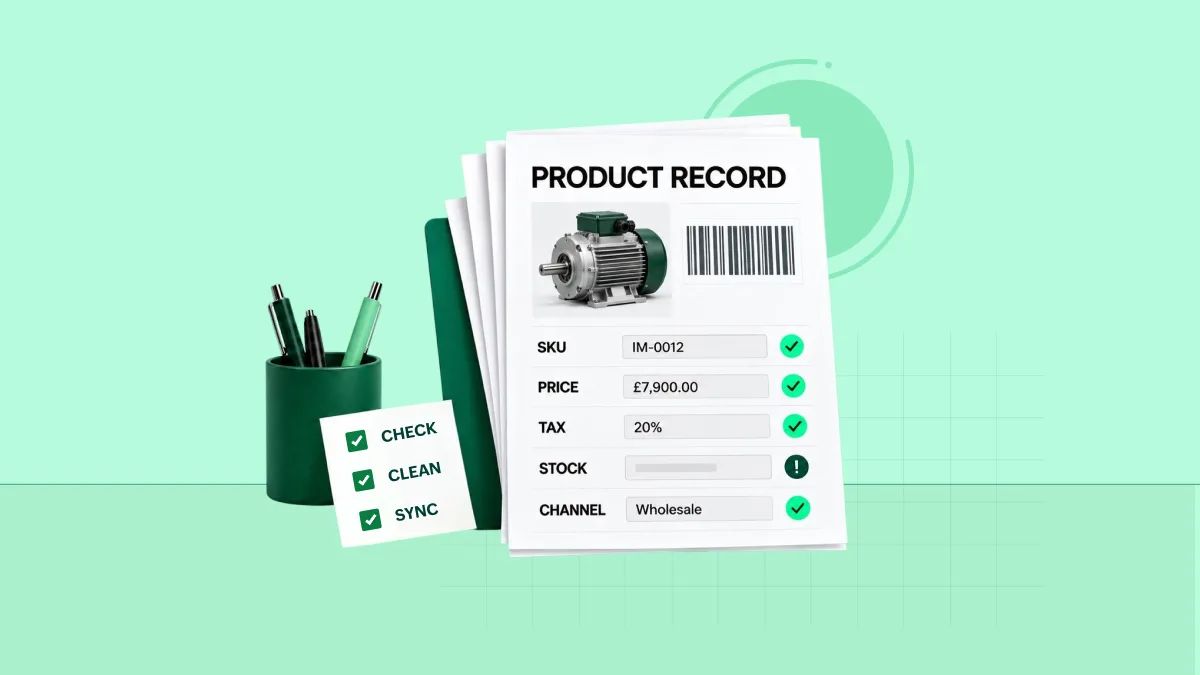
Ask a sales rep, a finance team member, and a product manager what a company sells and how much they cost, you are bound to get three different answers. The sales rep quotes from the last quarter's price sheet, whereas finance checks it from a recent invoice. Meanwhile, the product team has already discontinued one of the products. This isn't carelessness. This happens because the company never had a single source of truth for what it sells.
That truth is the product catalog. This article will look at what product catalog management is, why businesses need it, and the best practices to keep it accurate as the business grows.
What is product catalog management?
Product catalog management is the process of creating, organizing, and maintaining a single list of everything a business sells, along with how each of them is priced and packaged. It serves as a guide for every team on:
What can be sold
In which combinations
At what price, in which currency
Under which billing terms
When such a system is in place, all quotes, invoices, and revenue reports trace back to the same source.
What does it involve?
A product catalog is more than a list of products and services. It usually covers:
Products and services – The key offerings with clear names, descriptions, and reference codes.
Plans and packages – The ways they are sold (monthly/annual plans with plan types, product combinations, and packages).
Pricing – Base prices, tiers, volume slabs, usage rates, and currency-specific prices.
Add-ons and one-time charges – Add-on options that are available, set up and onboarding fees, premium support charges, and the like.
Rules – Which products can be sold together, which cannot, discounts/offers that can be considered.
Lifecycle status – Whether a product or service is available, being phased out, or no longer being sold, and from when.
Ownership and change control – Who can access and edit what, what changes need approvals, and similar restrictions.
Why is a product catalog needed?
For companies with straightforward pricing, spreadsheets work fine. A product catalog becomes essential when:
New plans, product bundles, pricing models are launched.
Multiple team members send quotes to prospects.
Customers are from different regions and pay in their own currencies.
Mismatches between quotes and invoices become common.
Prices change, and existing customers must stay on their old terms.
At this point, the catalog becomes the thing every other process depends on. A properly curated product catalog sets the tone of the overall quote-to-cash process.
Who needs product catalog management?
A product catalog is recommended for any company that sells multiple products and services. However, it has become a must-have in certain industries. These mostly include:
SaaS and subscription businesses – They offer multiple plans, tiers, add-ons, and usage-based charges that frequently change.
Manufacturers and distributors – They sell multiple product combinations with volume-based pricing.
Telecom and utility providers – They are known for offering base plans along with various add-ons and usage-based fees.
IT and managed service providers – They package services at several support levels.
Education and training providers – They provide a variety of courses, training, memberships, and certifications.
eCommerce and online sellers – They manage large numbers of products, variants, and prices across channels.
Professional services firms – They offer retainers, projects, and workshops with varying rates.
The common factor here is complexity. The more ways you sell, the more you need a centralized catalog.
Benefits of managing your product catalog well
Accurate quotes: Sales reps create quotes from the active list of products and prices, so scope for mistakes is almost nil. This is the foundation of how automated quoting works. Reps quote from current products and prices, so mistakes drop. This is the foundation of how automated quoting works.
Matching invoices: What was quoted is what gets invoiced, saving customers from any last minute surprises. Read more on the importance of closing the gap between quote and invoice.
Faster launches: New plans, bundles, and regional launches go live without rebuilding the process from scratch.
Consistent pricing: Customers with similar requirements see similar pricing and terms. This reduces disputes.
Better margin control: Discount thresholds and pricing rules are preconfigured, safeguarding company's profits.
Cleaner reporting: Revenue reports can be drilled down based on product, plan, region, and more as each item has one record.
Stronger compliance: Clear records of what was sold and on what terms support revenue recognition under ASC 606 and IFRS 15.
Cross-sell and upsell readiness: Bundles and add-ons are easier to offer when they are defined clearly. See how CPQ creates cross-sell and upsell opportunities.
Common challenges
Most catalog problems come from growth that outpaced the system.
Duplicate records: Price revisions and regional variants could lead to multiple similar records for the same product.
Scattered sources: Sales has one price sheet, finance has another, and the website shows a third.
Outdated prices: Products that are no longer sold show up and it is common for reps to quote them.
Price changes that affect existing customers: Changing the price can change it for long-term customers by accident. This needs to be handled carefully.
Weak naming and data quality: Without a proper naming convention in place, quote creation and reporting becomes difficult.
No clear owner: Everyone edits the catalog and nobody is responsible for it.
Disconnected systems: If the catalog doesn't flow into the key systems that use it, someone has to manually re-enter them and it could lead to errors. Our piece on the CRM, CPQ, and billing trinity explains why this matters.
Best practices in product catalog management
Keep one source of truth
Choose one place to maintain the catalog and make all changes only to that. Every other system, like sales and finance, can read from it so it's consistent.
Separate the product from its price
Keep "what you sell" distinct from "how you sell it" and "what it costs." A product can then have several plans, and a plan can have several prices by currency, without creating a new product each time. This one habit prevents most duplicate records.
Standardize naming and structure
Decide on naming rules, codes, and descriptions before the product list grows. A clearly defined structure makes product retrieval easy while creating quotes and it also helps streamline reporting.
Plan for price changes
Give each plan a start and end date instead of editing prices in place. New customers see the new price, and existing customers stay on their original terms until you choose to move them.
Assign ownership
Have a team responsible for the catalog. Define who can make changes, who can approve them, and who maintains them.
Control changes and keep a record
Every change made to a product, pricing, or rule should be recorded. This helps trace changes to the source and helps during audit times.
Retire items properly
Mark products and plans that are no longer sold as inactive. This ensures existing customers keep getting billed correctly and reps stop quoting them for new customers.
Review regularly
Conduct periodic reviews, preferably every quarter to check for products that are not selling, outdated prices, and the like. The catalog has to be maintained regularly.
Connect it to quoting and billing
A catalog that is not connected with quoting and billing creates a new manual step. Connecting them will ensure a change made once appears in all the systems.
How does Zoho Billing fit into all of this?
Zoho Billing keeps your catalog and your billing in the same system. Products, plans, and add-ons are defined once, and maintained at the same place. That means the entire quote-to-cash process happens in one system, instead of having to redo the same work in different systems. Here's how it supports the practices above:
One system, one source of truth – The catalog feeds quotes, subscriptions, and invoices, so sales and finance work from the same data.
Multiple pricing models – Zoho Billing handles complex product configurations, subscription services, and multiple pricing models in one place.
Quote to invoice without re-entry – The pricing and contract terms agreed upon at the quote stage carry through to the subscription and invoice.
Approvals you control – The business decides what falls within standard limits and what needs sign-off, and the system works within those rules.
A full audit trail – Every pricing decision, from a discount override to a bundle configuration, is logged and traceable to the rule or approval that allowed it.
Want to see how it works? Explore CPQ in Zoho Billing or schedule a demo with us.
Frequently asked questions (FAQ)
Product catalog management is the process of creating and maintaining one structured list of everything a business sells, including products, plans, add-ons, prices, and the rules that connect them.
A product catalog defines what you sell and how it is priced and packaged. An inventory system tracks how much stock you hold. They work together, but the catalog exists even for services and subscriptions that have no stock.
Use dates and versions instead of editing prices in place. Create a new plan or price effective from a set date for new customers, and keep the old one active for existing subscriptions.
A quarterly review works for many teams. Review sooner when you launch new plans, enter a new market, or change your pricing model.
CPQ configures and prices quotes from the catalog. If the catalog is accurate and structured, reps can only quote valid products at valid prices.
Yes. Zoho Billing keeps products, plans, and add-ons in the same system that creates quotes, subscriptions, and invoices, so pricing stays consistent from quote to invoice.
Yes, because CPQ is built directly onto the Zoho Billing engine, the pricing and contract terms agreed at the quote stage carry through to the subscription and invoice, with no manual re-entry.