


Hierarchical Approval
Note: You can set Hierarchical Approval only for the Trips, Reports, Purchase Requests, and Request for Quotes modules.
If your organization follows a simple, direct approval process, you can choose Hierarchical Approval in Zoho Spend. The Hierarchical Approval flow will be based on the approvers configured in the Reporting To field of the employees.
Create Hierarchical Approval
Here’s how you can set hierarchical approval:
- Go to Settings on the left sidebar.
- Click the module for which you want to set hierarchical approval.
- Go to the Approvals tab.
- Click Hierarchical Approval.
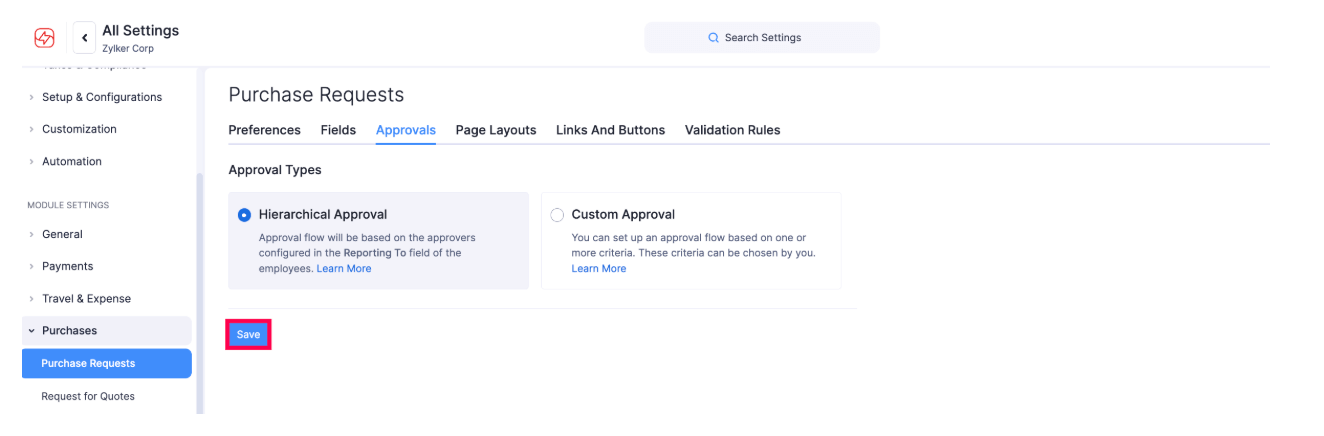
- Click Save.