Translate your forms in seconds
Whether you're collecting reviews from customers in São Paulo, or distributing event registrations across Europe, a form that speaks your respondent's language gets more completions. With Zia-powered translation in Zoho Forms, translating your form is a single setup step, not a recurring chore.
Select a supported language, click Translate, and Zoho Forms automatically applies translations across your entire form - field labels, instructions, choice options, button text, error messages, and more.
See how to set up language translation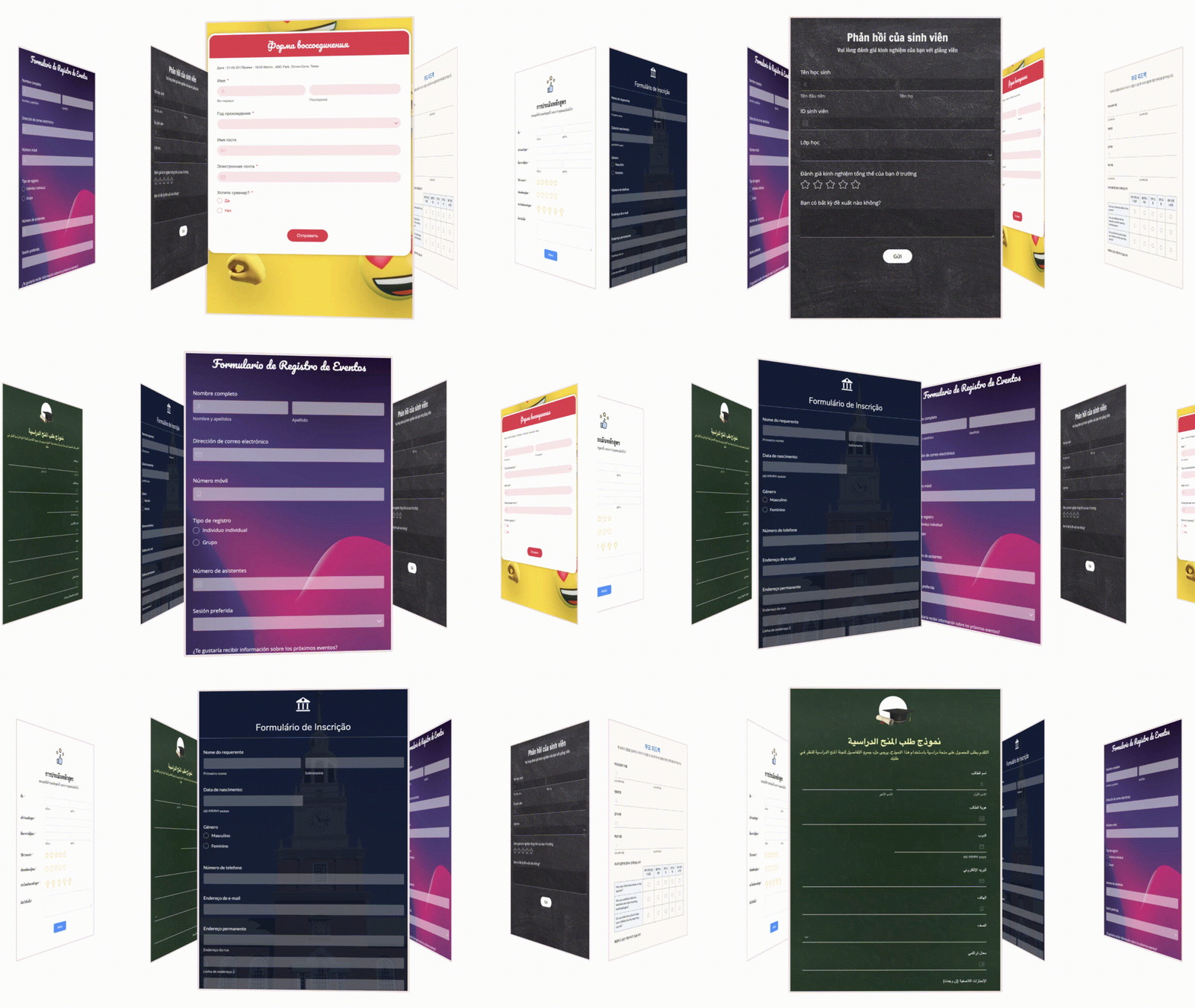

90+ languages. One form.
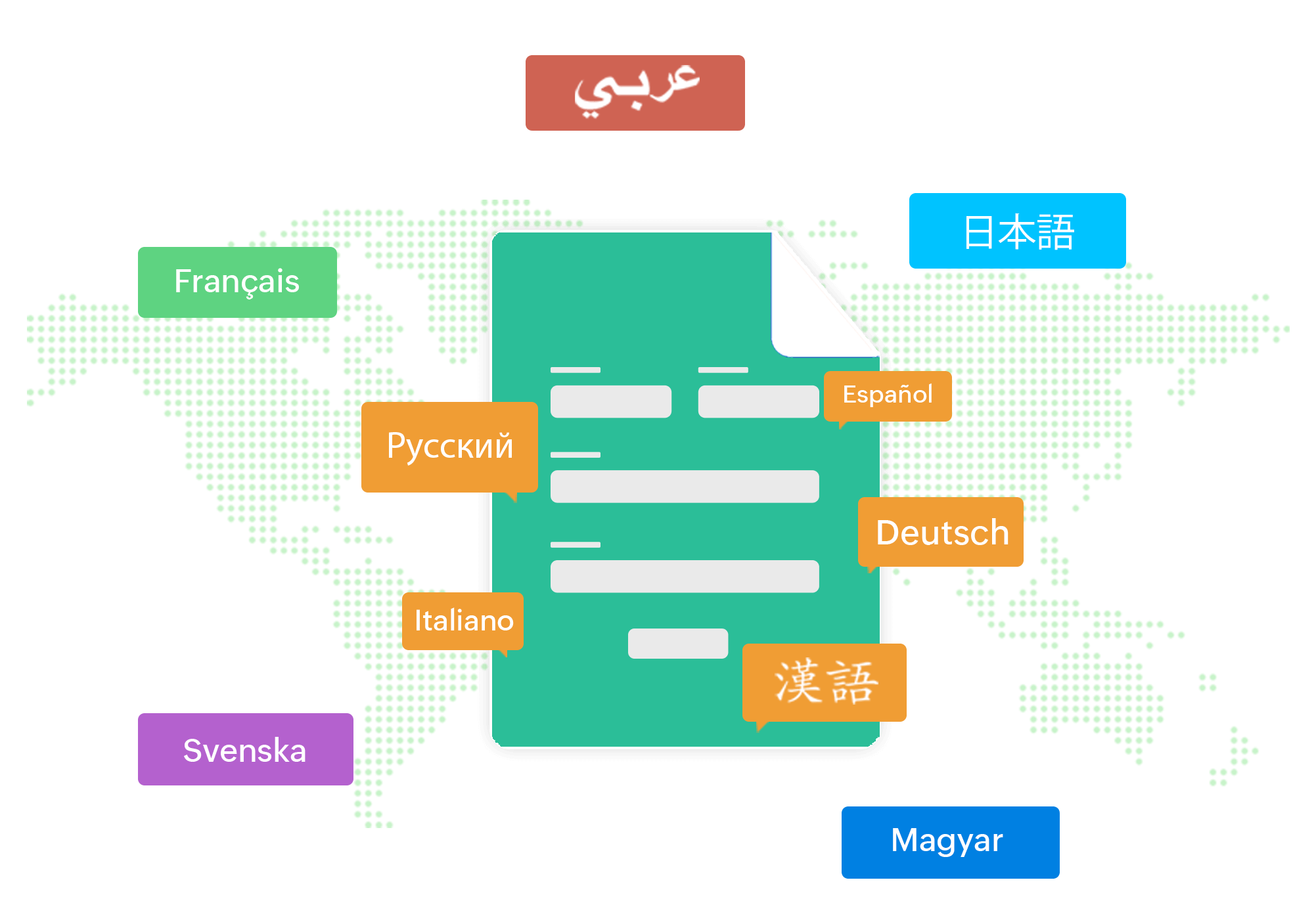
Zoho Forms supports an extensive and growing list of languages covering major global languages like Spanish, French, German, Arabic, Chinese, Hindi, Portuguese, Japanese, Korean, and dozens more, including regional languages like Tamil, Malayalam, Kannada, Bengali, Gujarati, Punjabi, and Odia.
View the full list of supported languages
Right-to-left. As natural as left-to-right.
When you add a right-to-left language like Arabic, Hebrew, or Urdu, set the reading direction to RTL for the translated form. Change the direction for any translated version at any time, giving you full control over how translated content is displayed.
Check out how text direction works
Shared translated forms your way
Every translated version of your form gets its own shareable link. Distribute the French permalink to your Paris team, the Spanish link via your Latin America newsletter, the Arabic version on your regional site.
Generate a QR code for a specific language version, perfect for print materials, events, or in-store displays.
Generate your form URL with UTM parameters in the desired translated language to track campaigns.
Share your translated formsLet respondents choose their own language
Have public-facing forms with a mixed-language audience?
Let respondents see a translate icon when they open the form where they can pick their preferred language from the list and the entire form swaps instantly.
One link. Every language you've configured. Everyone feels at home.
Learn how to let respondents choose their language →

Thank respondents in their language
When someone fills out a form in French, they don't land on a Thank You page in English. With Zoho Forms, acknowledgment pages and splash messages are translated as part of your setup so the experience is seamless from the first question to the final confirmation.
Configure custom Thank You messages for each language: different copy, different redirects, different instructions, whatever your audience needs to hear next.
Automatically translate your acknowledgmentRedirect to a language-matched form
After a respondent submits Form A in German, automatically redirect them to Form B, also in German, keeping the experience consistent across every step.
See how to redirect to a translated form