How do I filter my recurring payment list?
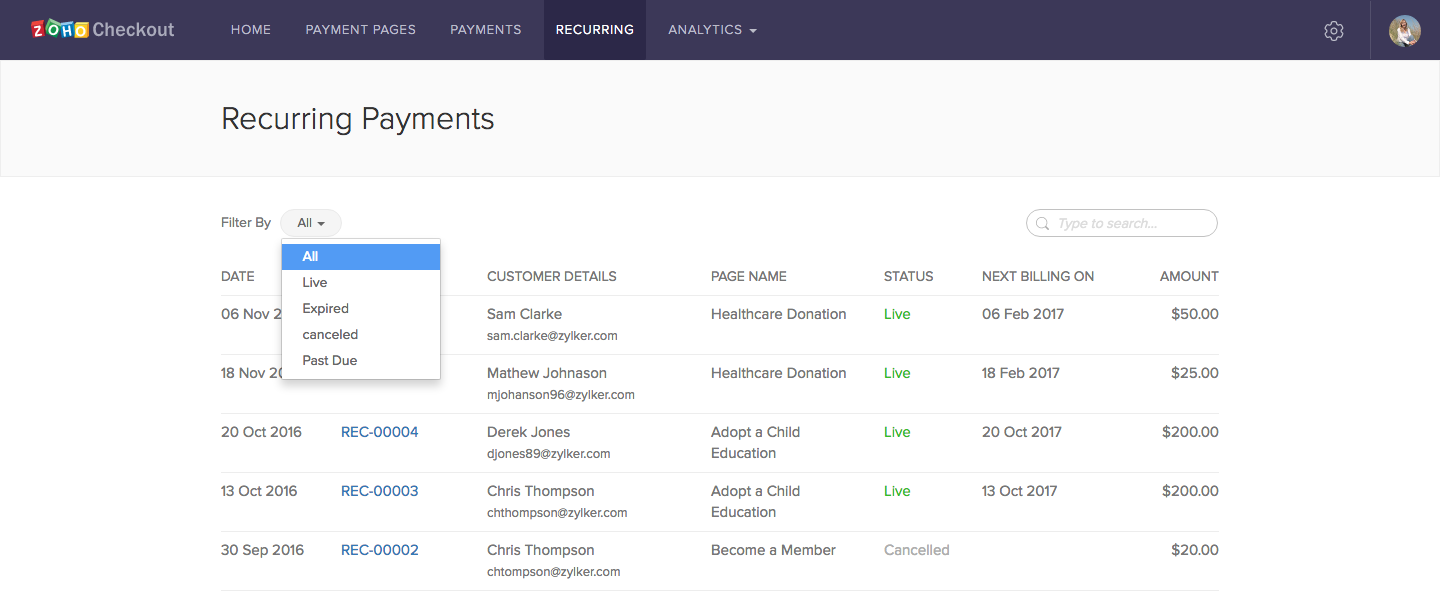
- Open the Recurring tab.
- Select an option from the dropdown menu at the top of the window.
- You can either select ‘All’ to see all your recurring payments, or choose a specific recurring payment status. Click here to learn more.