How do I cancel a recurring payment?
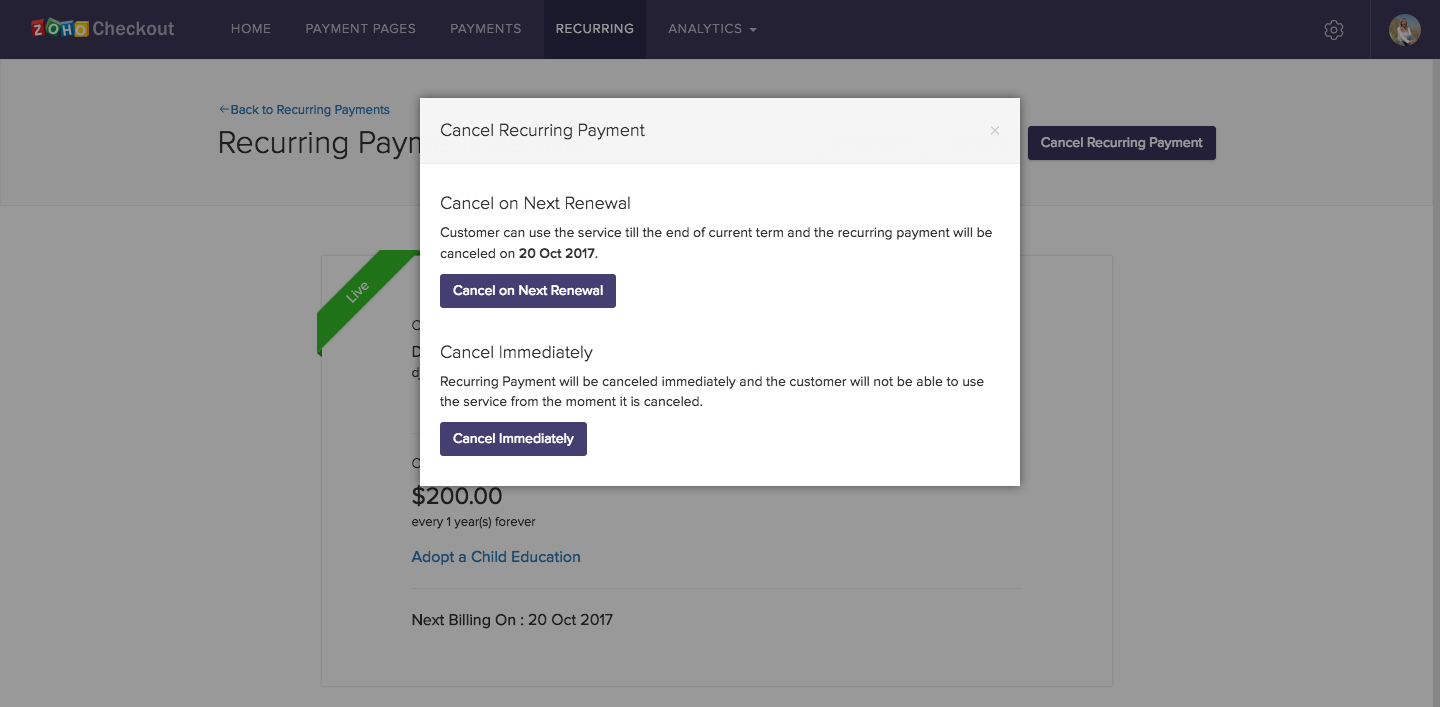
- Select a payment from the Recurring tab and click Cancel Recurring Payment.
- Choose whether to cancel the payment immediately or on the next renewal date.
- If you choose to cancel the recurring payment on the next renewal date, its status will change to ‘Non-renewing’.