How do I issue a refund?
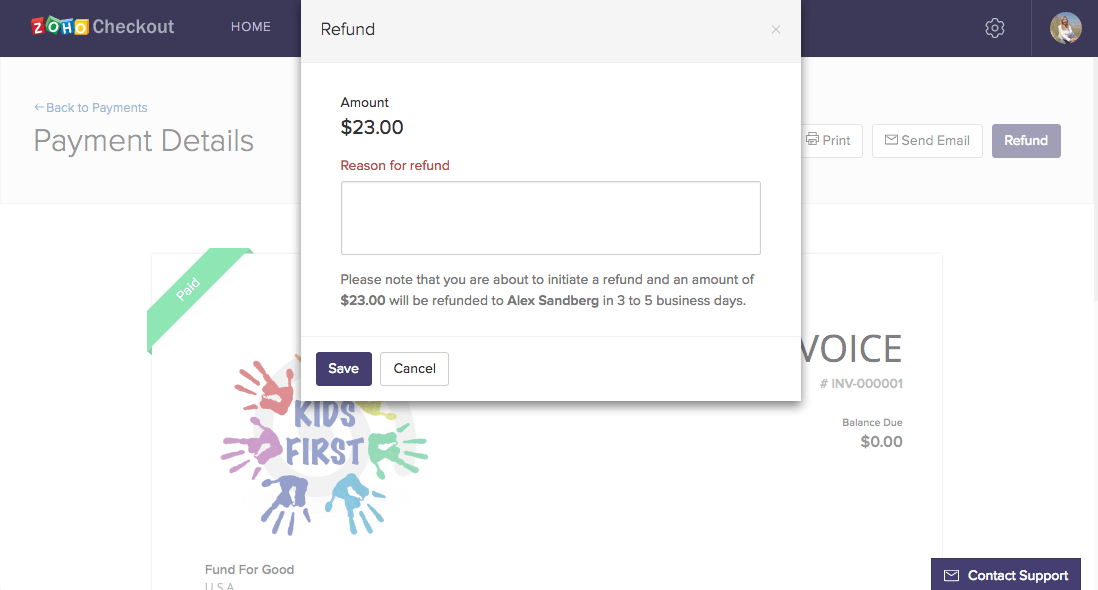
- Open the Payments tab and select the payment you wish to refund.
- Click Refund, then enter the reason for your refund in the appropriate field.
- Click Save. Once the charge is successfully refunded, it will be listed in the transaction history.