
How do I enable the payment methods supported by Stripe in Zoho Checkout?
Stripe allows you to accept payments from customers using multiple payment methods.
Prerequisite Enable the payment methods in your Stripe account under Settings > Payments > Payment Methods before you enable them in Zoho Checkout.
By default, you can accept payments only via credit cards. To enable the other payment methods:
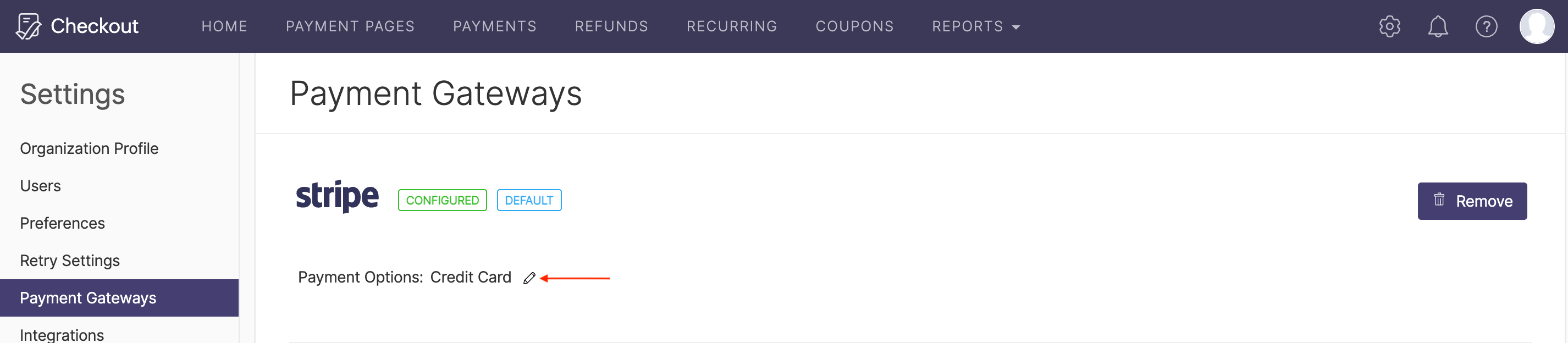
- Go to Settings and then select Payment Gateways.
- Under Stripe, click the Edit icon next to Payment Options.
- Enable the payment methods through which you would like to receive your payments.
- Click Save.
Your customers will be able to pay using the enabled payment methods.