How do I remove my M-PESA integration?
If you no longer wish to use Safaricom M-PESA as your payment gateway, you can remove the integration. You can use the same app credentials from Daraja 2.0 to integrate again.
Here's how you can do it:
Navigate to Settings and click Payment Gateways.
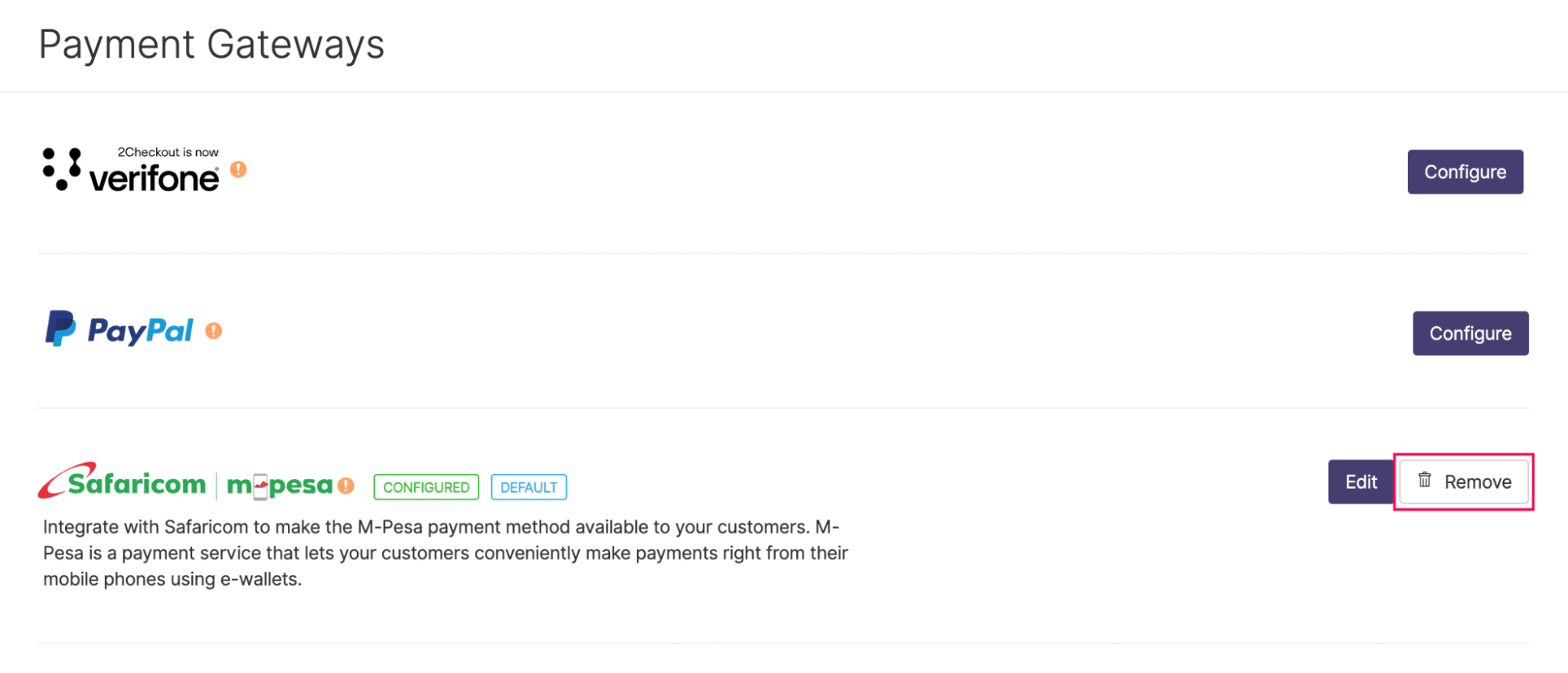
Click Remove next to Safaricom M-Pesa integration.
Click Yes to confirm.