Back- Click the Settings icon in the top-right corner and select Organization Profile.
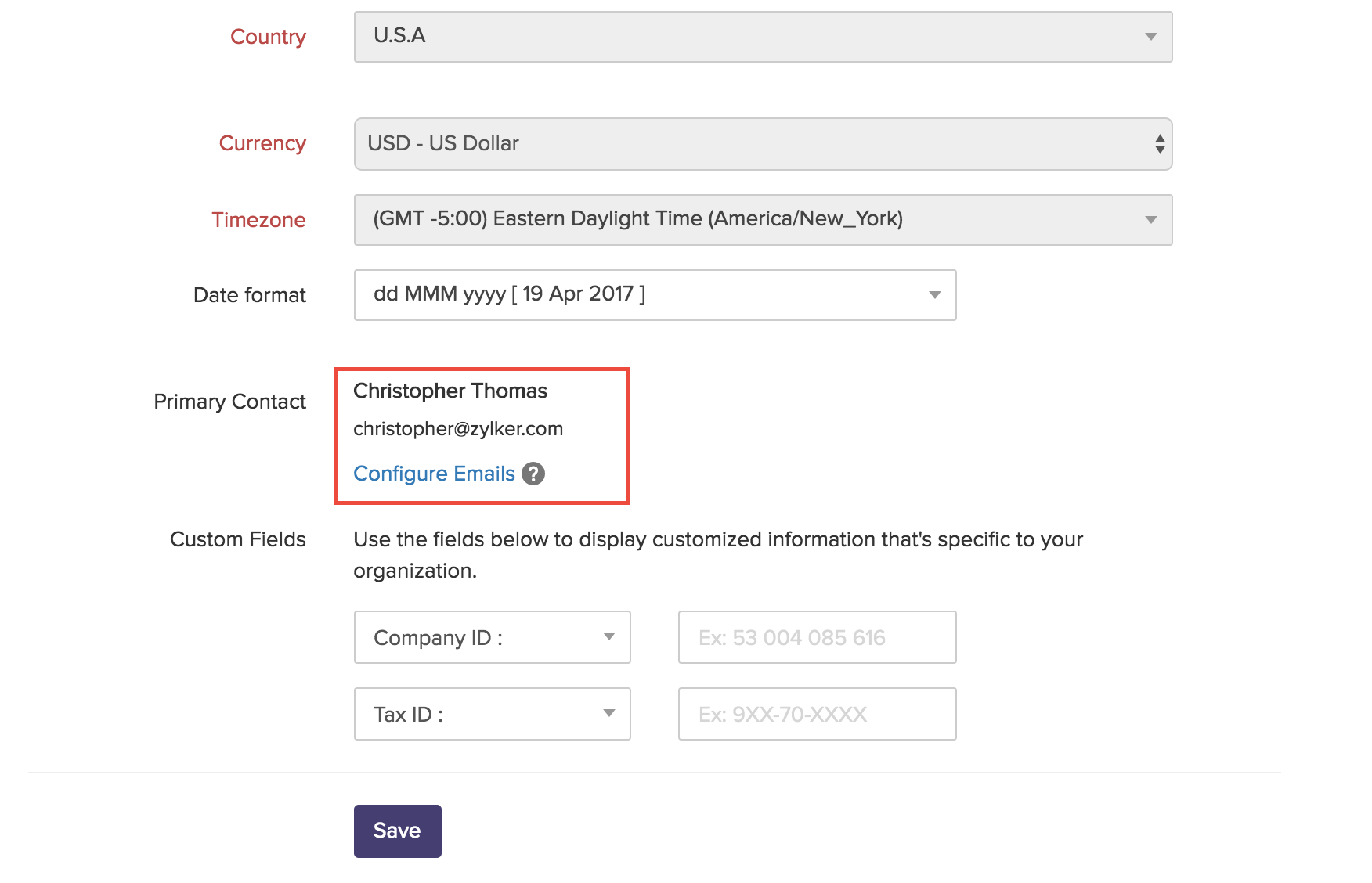
- Under the Primary Contact section, click Configure Emails.
- In the pop-up that follows, you can choose to add an additional contact name from the list of users who have been added to your organization.
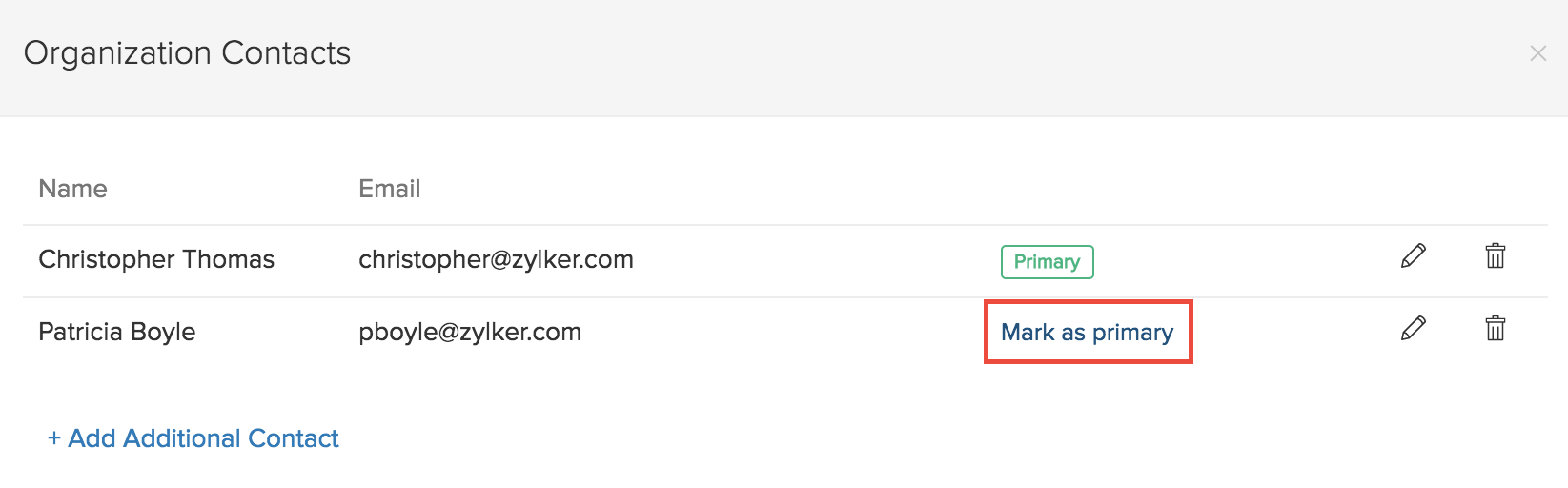
- After adding the contact, select Mark as primary to make that email address the primary contact.
- All the merchant emails regarding customer payment success, failure in sending invoice etc., will be received in the primary contact’s email address.