
How do I upload/change my organization logo?
To upload your logo:
- Click on the Settings icon and select Organization Profile.
- Click Upload Logo and select an image file (must be smaller than 1 MB).
- Click Save to update your changes.
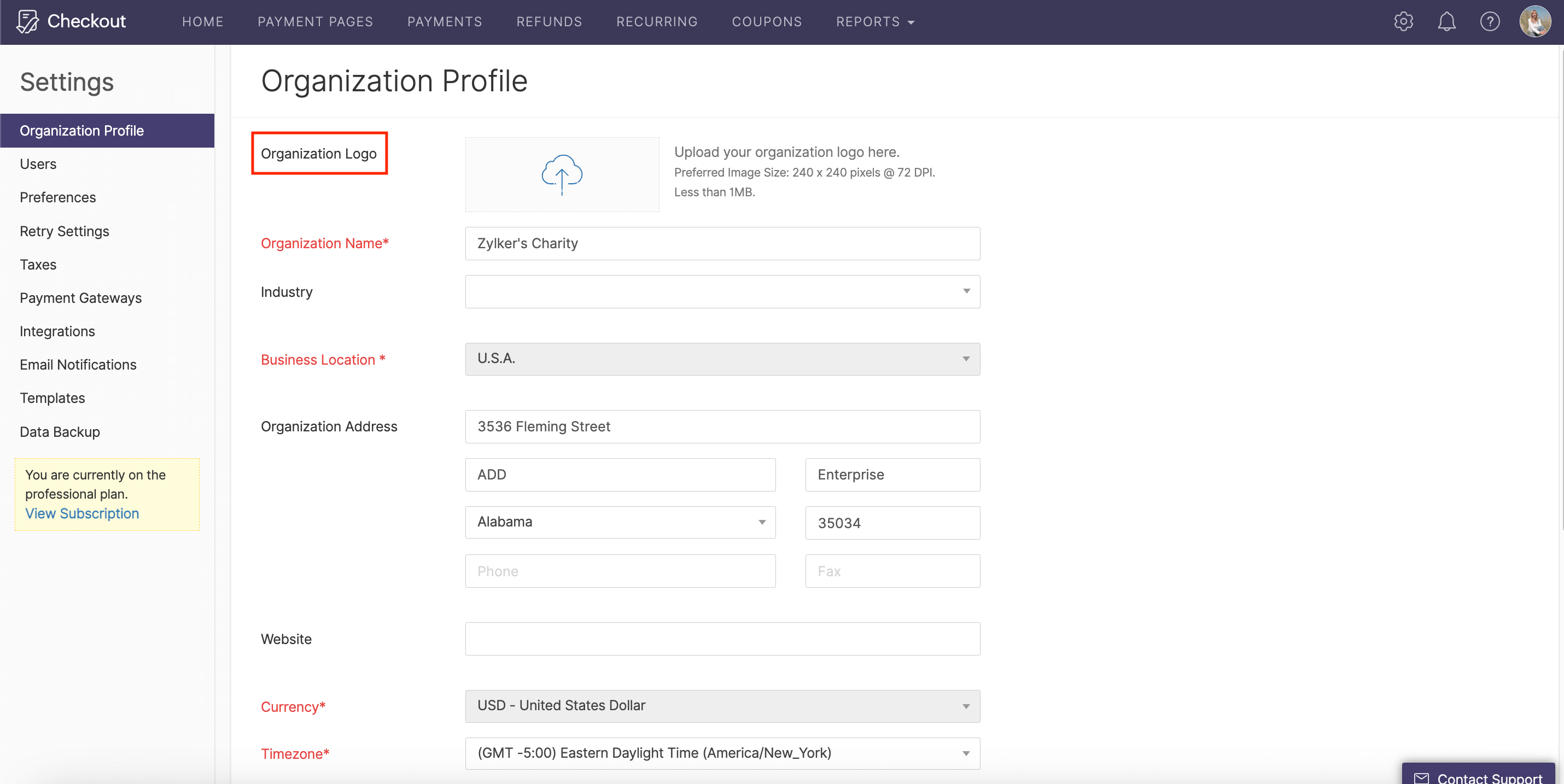
To change your existing logo:
- Click on the Settings icon and select Organization Profile.
- Click Remove Logo, then upload your new logo by following the instructions above.
- Your organization’s logo will be displayed on your invoices. You can also choose to display it on your payment pages under the Page Properties section of the Themes page.