How do I delete users or mark them as inactive?
- Click the Settings icon in the top-right corner and select Users.
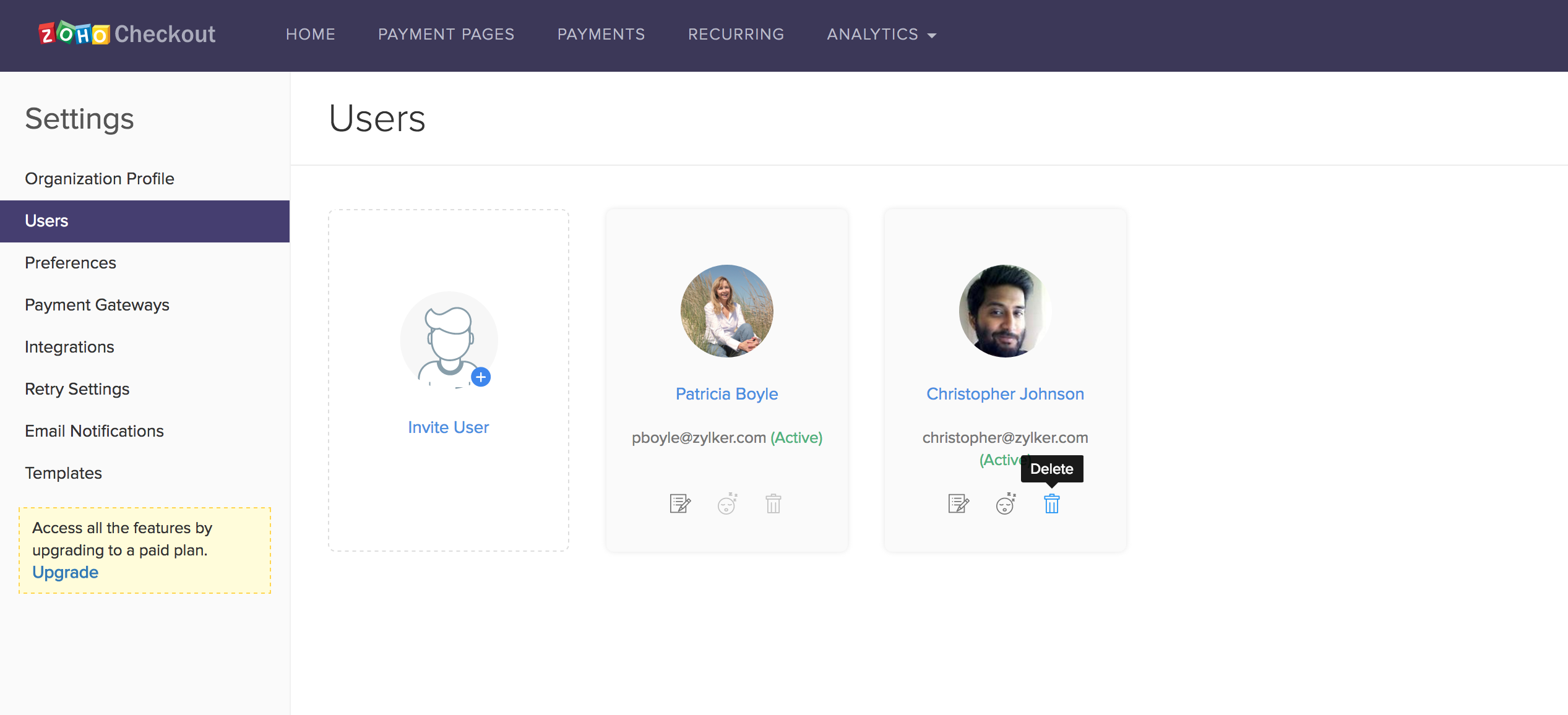
- On the user profile you wish to delete, click the Mark as inactive icon to make the user inactive.
- Similarly, to delete the user, click on the trash can icon. The contact will be successfully deleted.