
How do I back up my data in Zoho Checkout?
To back up your data:
- Click the Settings icon in the top right corner of the page.
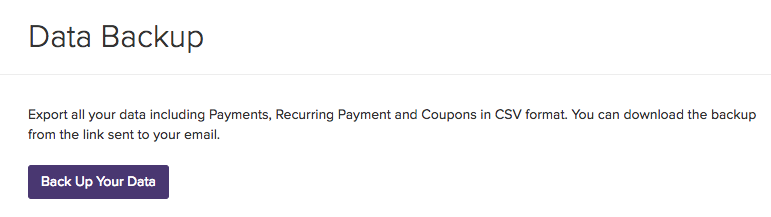
- Select Data Backup in the left sidebar.
- Click the Back Up Your Data button.
- Select Continue.
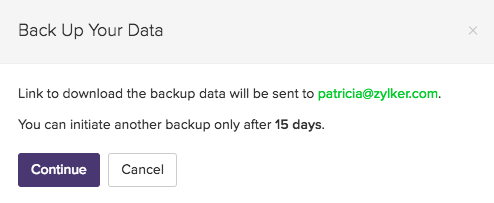
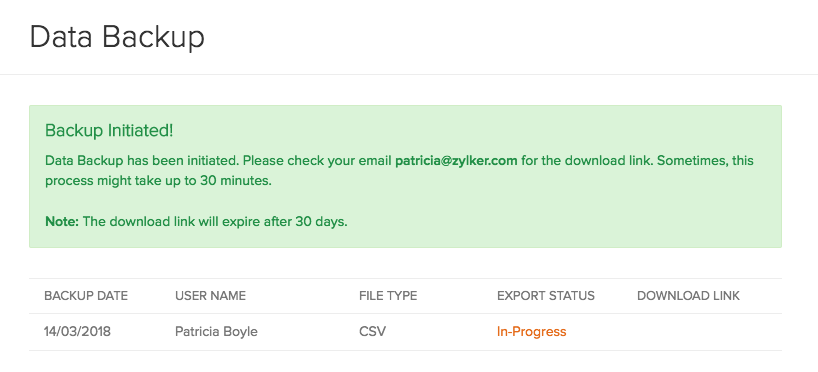
- The backup link will be sent to your registered email address.
Note:
- The backup process might take up to 30 minutes.
- You can initiate a backup once in 15 days.
- The download link will expire 30 days.