How do I add users to my Zoho Checkout organization?
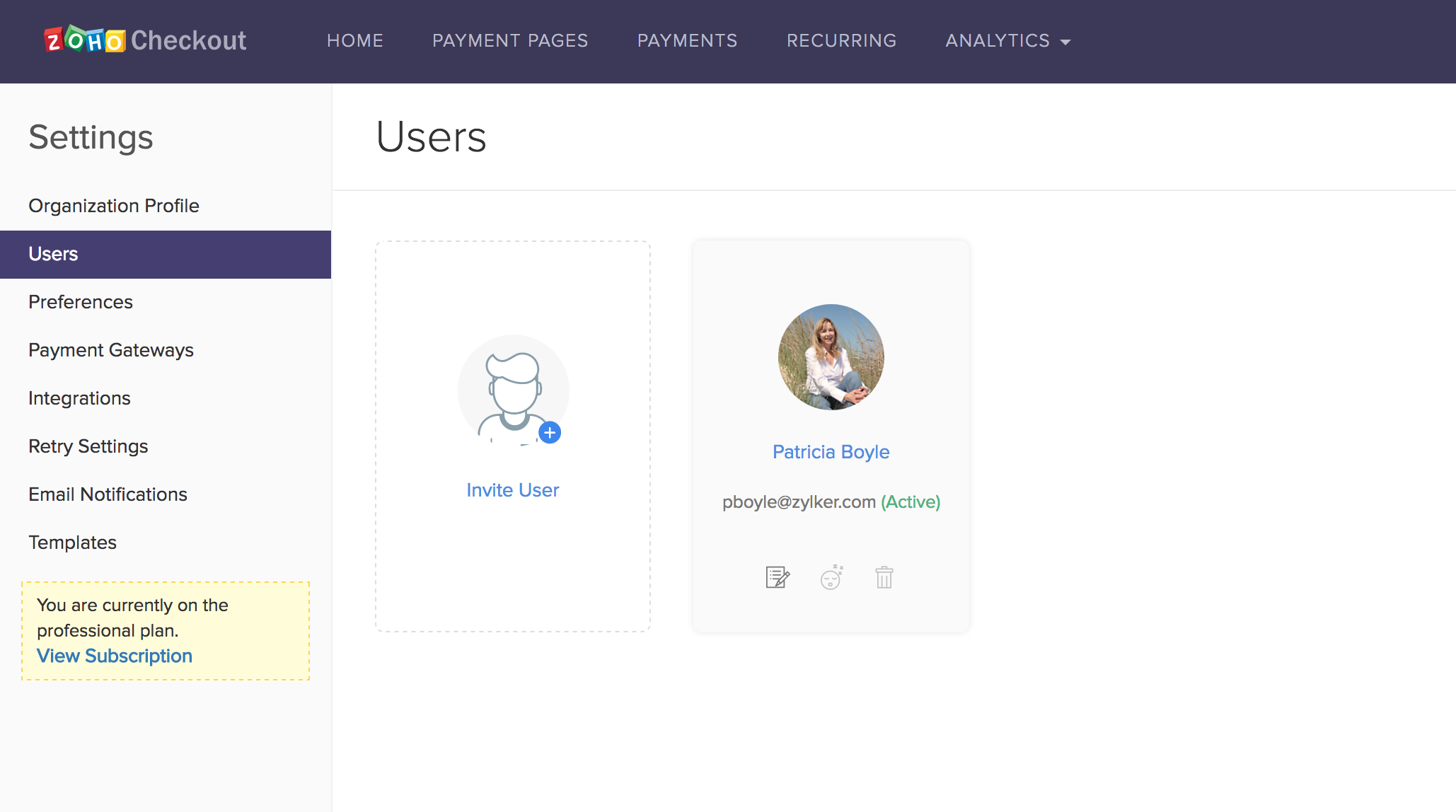
- Click the Settings icon in the top-right corner and select Users.
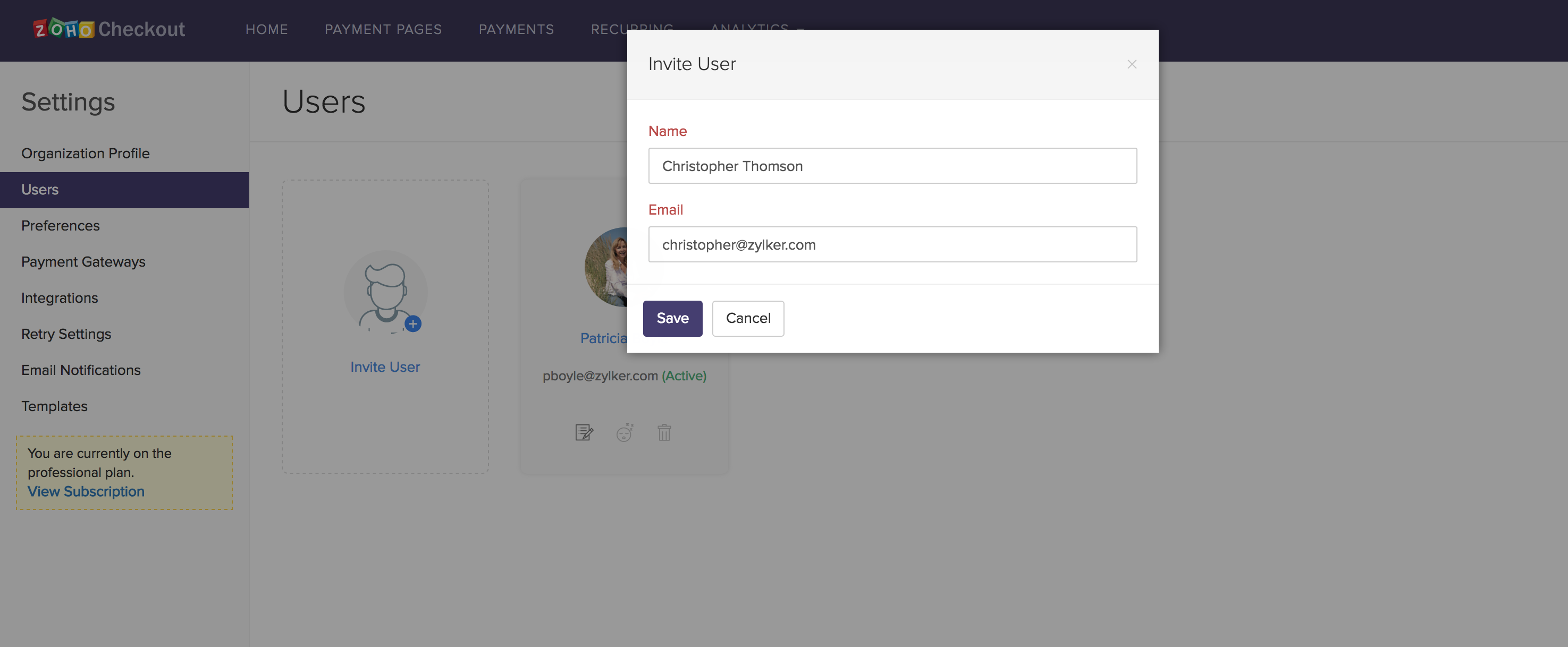
- Click Invite User and fill in the name and email address of the user you wish to invite.
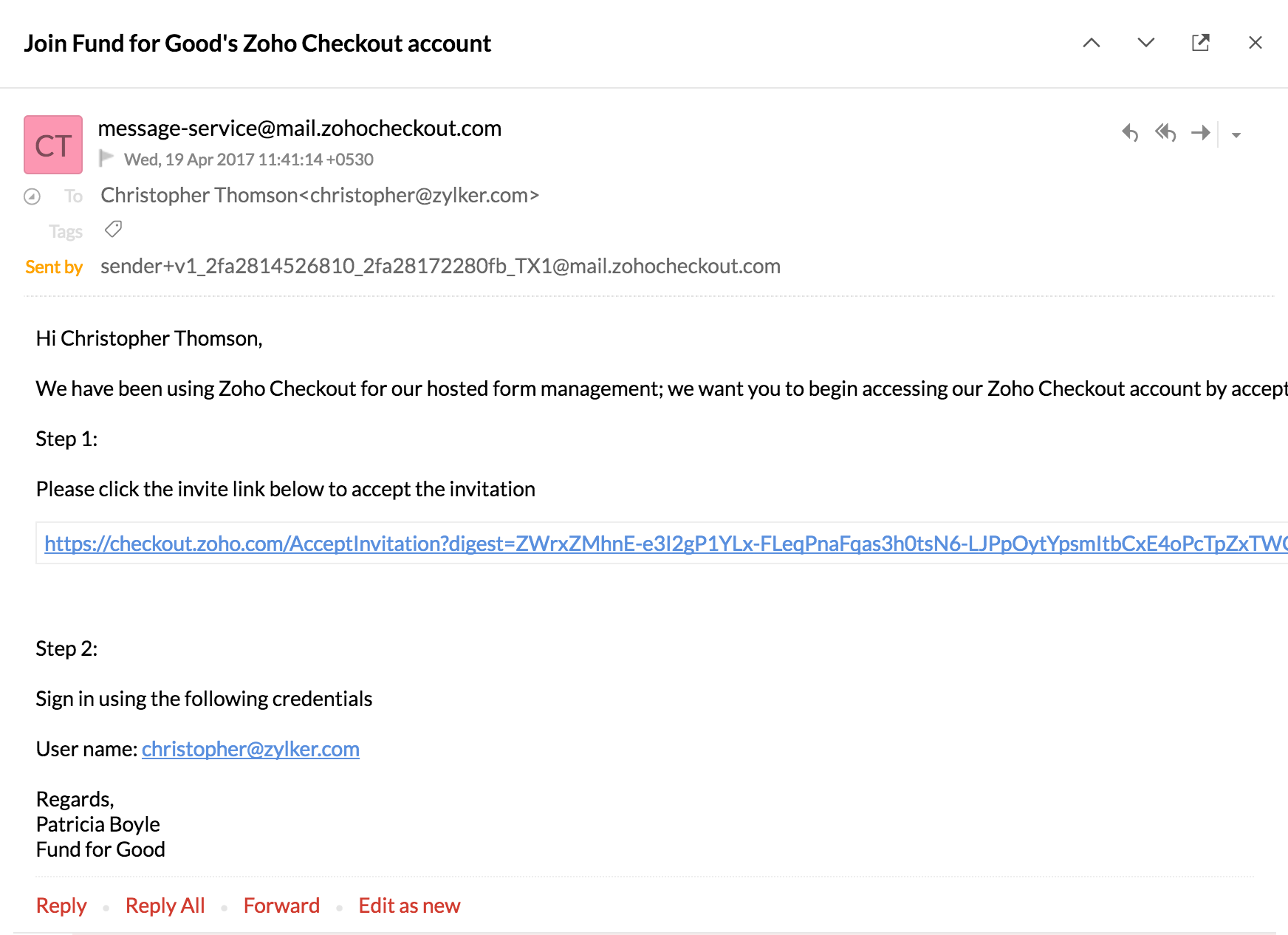
- The respective user will get the following verification mail. Once he/she clicks on this link, the account will be verified and they can start using the Zoho Checkout organization.