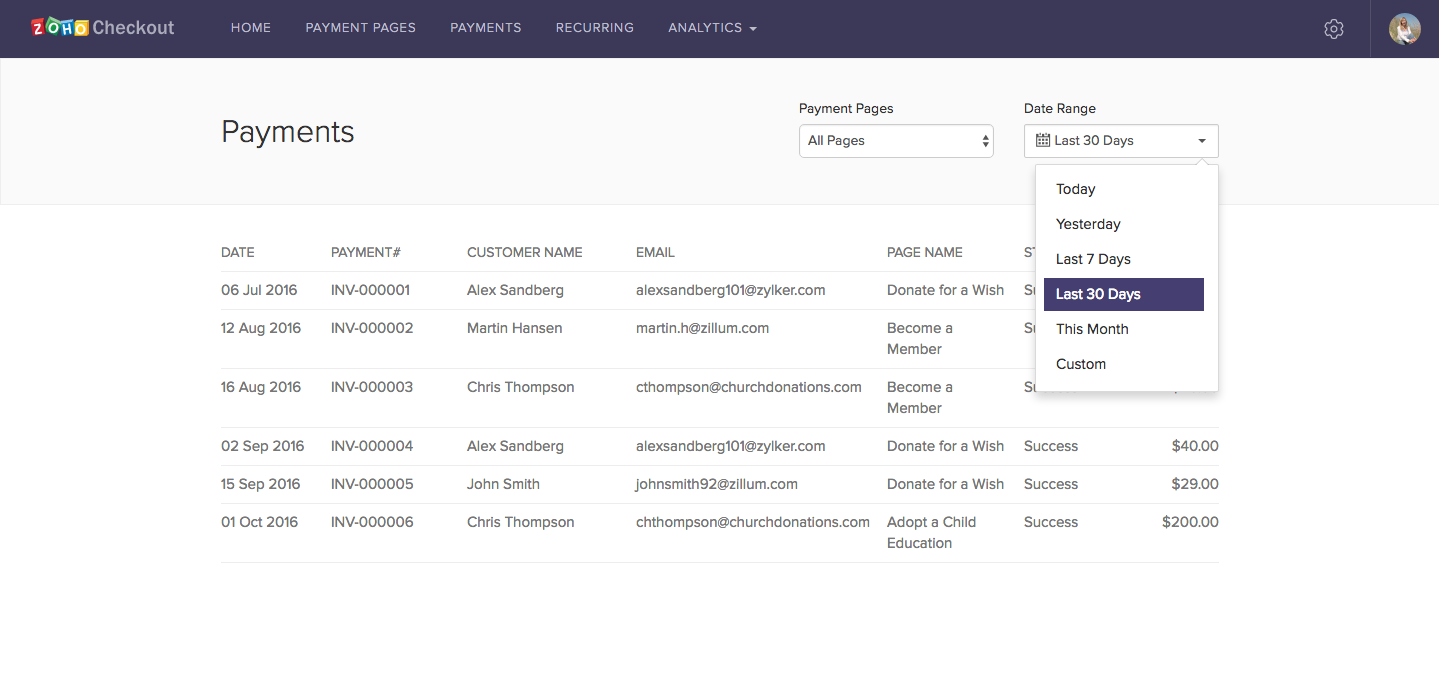
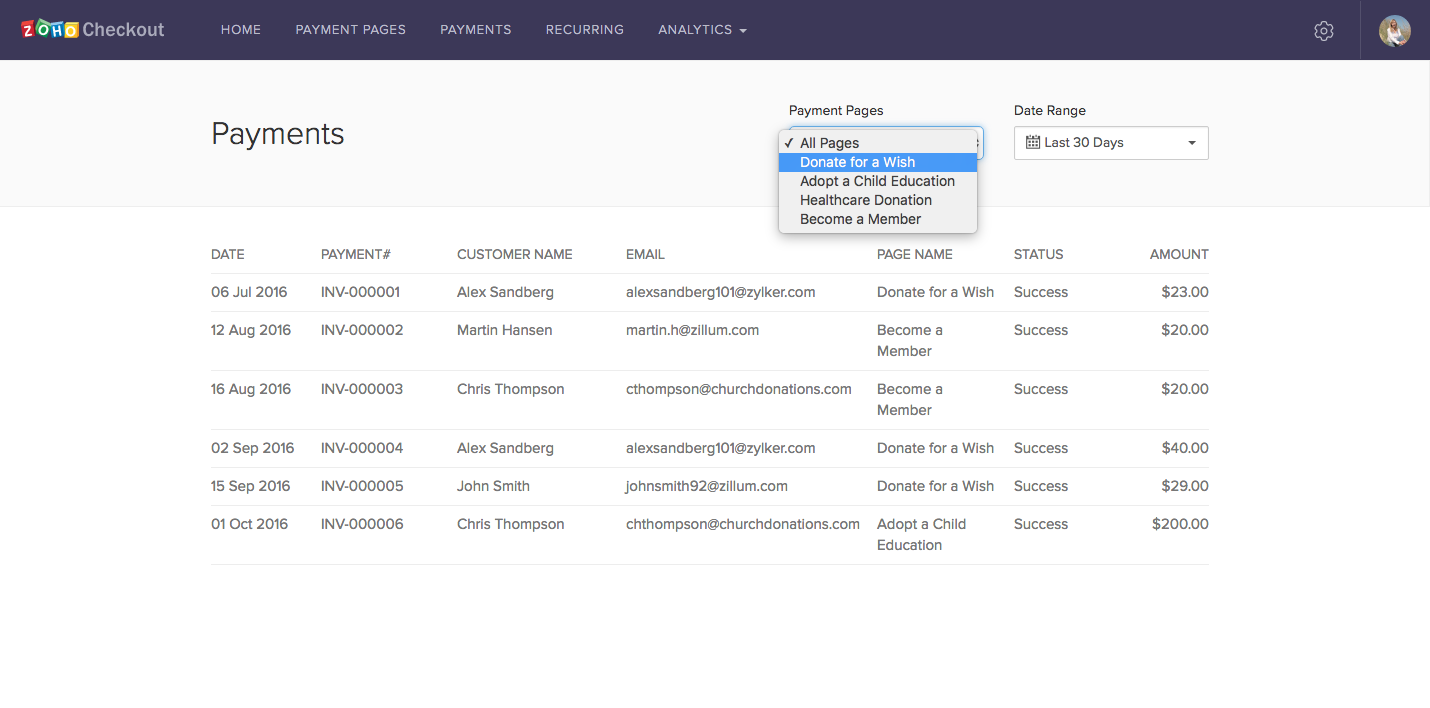
How do I generate customized reports in Zoho Checkout for a particular payment page and/or duration?
- Open the Analytics tab and select a report.
- Select a page from the Payment Pages dropdown menu. The report will be filtered based on that page.
- Open the Date Range dropdown menu, then either select a preset date range or enter a custom range to view analytics for that period.