How to build a scalable customer service management system with Zoho Desk

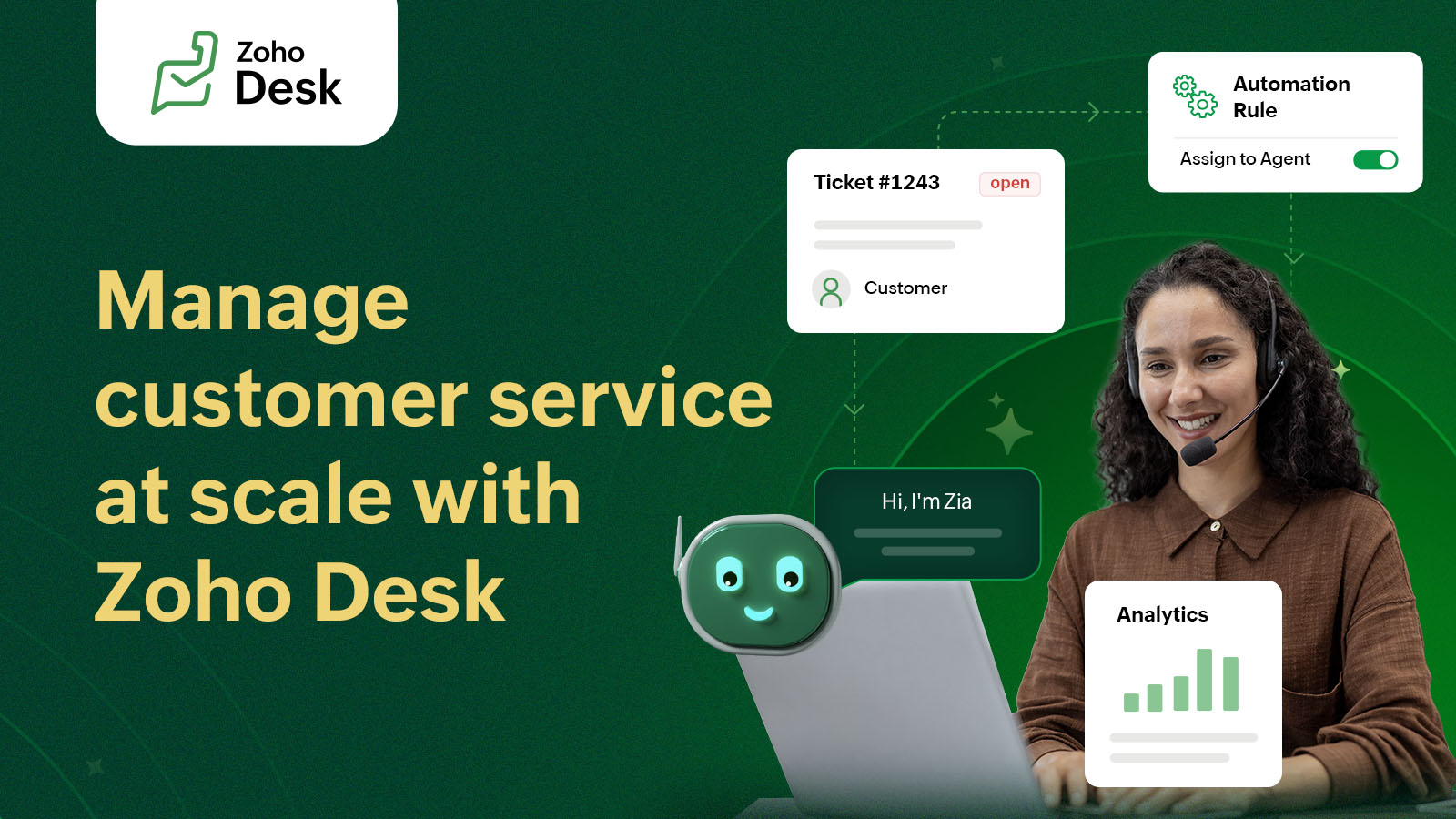
A company's growth opportunities are not limited to offering a good product or service. While that's the foundation for every business, it's only the starting point. What helps a business keep growing is the quality of customer service that it offers in the long run.
A customer should not suffer when they face difficulty with your offerings. They stay and trust you only when you provide them a seamless experience throughout their journey with your business, which includes fixing problems when they arise. To accomplish this, businesses need a customer service management system. A system that is not a momentary fix, but a scalable customer service solution.
Zoho Desk is a customer service management system trusted by over 125,000 businesses worldwide. It has helped businesses reduce customer churn rate by 48% and improve response time by 50%.
Here, we will cover what customer service management is and how it can be scaled with Zoho Desk.
What is customer service management?
Customer service management is a structured approach to resolving customer problems and ensuring that they have a seamless experience. To facilitate this, having the right set of tools and strategies is necessary. A customer service management solution acts as a bridge between your customers' expectations and your business's offerings. It ensures that customers' queries are tracked, followed up on with timely action, and resolved in a standard way that assures a quality experience.
Core pillars of the customer service management system
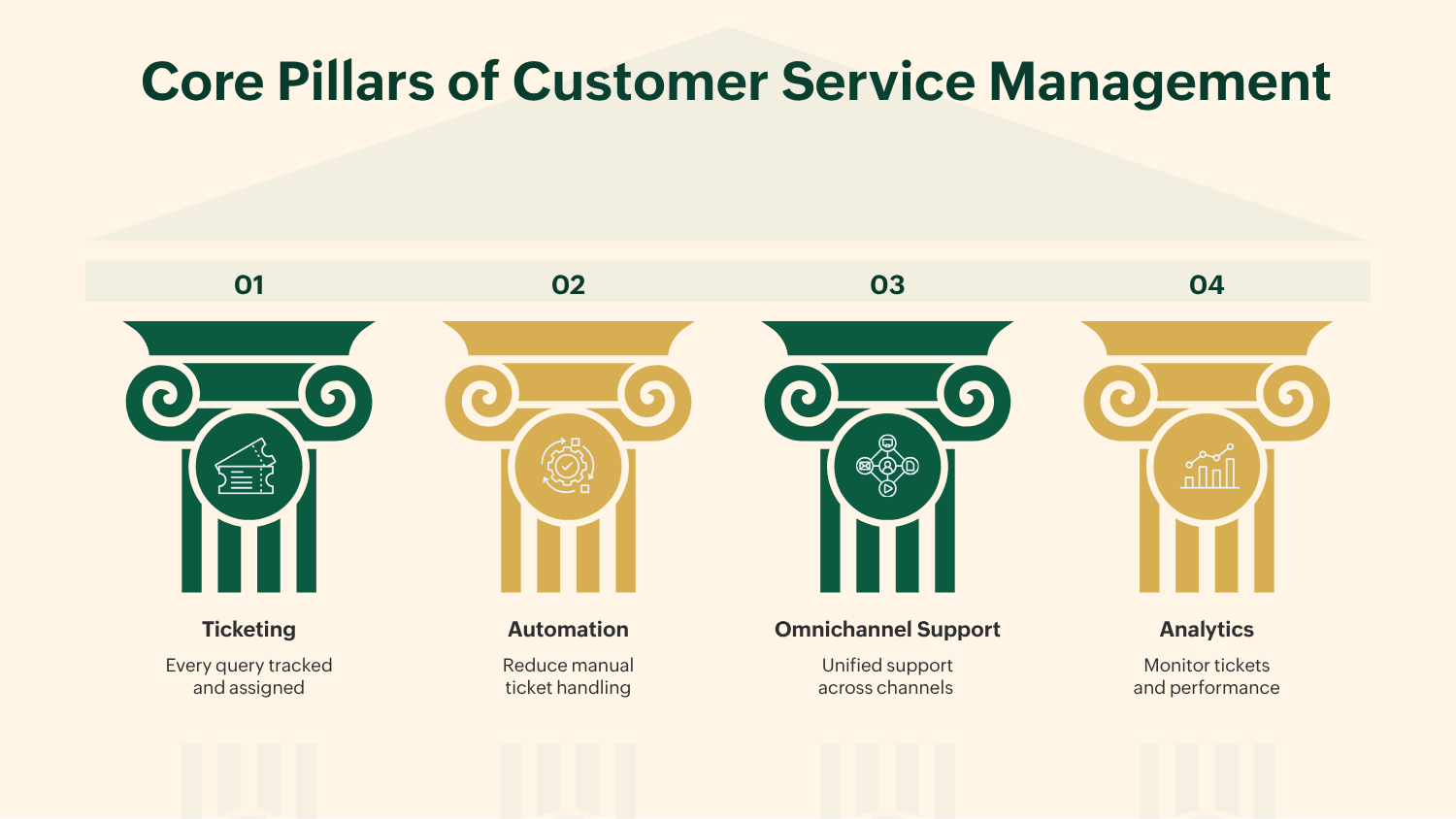
There are four core pillars of a customer service management system:
Ticketing: Every query that comes in is treated as a ticket with a defined priority, type, status and a responsible service rep. This makes it trackable and ensures that no issues slip through the cracks.
Automation: Repetitive tasks, such as ticket assignments and handling tickets with recurring issues, are automated through automated ticket assignment and a predefined ticket resolution workflow called Blueprints. Inclusion of automation like this at various touchpoints of the ticket lifecycle helps save a lot of time—allowing customer service representatives to focus on high-priority tickets.
Omni-channel support: Customers reach out through various platforms, like social channels, the company's website, forums, etc. Tracking customer queries from all these channels can be done through omni-channel support, where every query is treated as a ticket irrespective of the channel and can be tracked from a single interface, ensuring visibility and timely resolution.
Analytics: Ticket queues, backlogs, agent performance, ticket status, CSAT, and other key metrics can be tracked through analytics and dashboards, helping support administrators make data-driven decisions to improve overall customer support.
How Zoho Desk powers each pillar
Zoho Desk maps directly onto each CSM pillar:
Ticketing: Zoho Desk captures requests from email, live chat, phone, social media, and web forms into a single unified inbox. Agents can collaborate via @mentions, shared tickets, and team feeds without escalating to another tool.
Automation: Offers Blueprint-based workflow automation that handles ticket routing, SLA enforcement, and time-based escalations with no code required.
Omnichannel: Queries from all channels—email, WhatsApp, Instagram DMs, telephony—feed into one dashboard. Agents see the full conversation history regardless of where the customer reached out.
Analytics: Customizable dashboards track ticket volume, resolution times, and agent productivity. Managers can schedule reports and build CSAT surveys directly inside tickets.
Key KPIs to track: FRT, CSAT, ticket resolution rate, agent productivity
KPI | What it measures | Zoho Desk feature |
|---|---|---|
First response time (FRT) | Speed of first agent reply | SLA policies + alerts |
CSAT score | Customer satisfaction post-resolution | Built-in happiness ratings |
Ticket resolution rate | % of tickets fully closed | Resolution reports |
Agent productivity | Tickets handled per agent per day | Agent-level analytics |
Zoho Desk has the capability to track all four metrics, enabling the customer service manager to take necessary actions, avoiding a bad CSAT or customer churn.
AI and automation in customer service management: Zoho Desk's Zia AI agent
Zoho Desk has an AI-assistant called Zia, which is built to automate tasks, share insights, and boost the overall productivity of customer service reps. The whole idea of including Zia AI in customer service management is to augment the customer service process by making it faster and smoother for customers, without replacing the human customer service reps.
Zia AI has an important role to play during ticket triage. It can be trained to predict field values of tickets, like detecting the specific types of "problem tickets." Tickets with predicted fields automatically get assigned to the relevant department and customer service rep. This prevents tickets from piling up and causing a case conundrum.
Zia AI helps service reps understand the context of tickets by generating a ticket summary. It also analyses the customer sentiment and helps curate an appropriate reply meeting company standards via Zia suggestions. It can also auto-reply to the routine queries using existing help content. This improves the productivity of customer service reps and assures the quality of replies to the customers, all of which contribute to a good customer experience.
Zia has been a valuable tool for our team, particularly in streamlining our ticket management process. The Summary feature has been especially helpful in getting up to speed on existing tickets.
- Aram Goganian, Co-owner
Predator Cycling
Zoho Desk has also introduced Agentic AI capabilities. It currently offers two built-in agents who are virtual employees with a dedicated role of a Support Specialist and a Resolution Expert. This is available at no additional cost to users on the Enterprise plan.
Zoho Desk vs Zendesk vs Freshdesk: which fits your CSM needs?
Features | Zoho Desk | Zendesk | Freshdesk |
|---|---|---|---|
Enterprise edition | US$40 per agent/month | US$169 per agent/month | US$79 per agent/month |
AI agents | Prebuilt + build your own agent through Zia Agent Studio (all inclusive) | Add on | Add on |
CRM integration | Native with Zoho CRM | Via API | Via API |
Best for | All businesses | Enterprise | Growing teams |
Zoho Desk is a scalable helpdesk solution suited for all businesses with the different subscription models that it offers. It comes with Zia Agent Studio access, where you can build your own AI agents using Zoho's in-house LLM without paying an additional charge, starting with the Free edition.
We use Zoho Desk to manage all of the company’s requests across our various communication channels. We trust the platform completely. So far, every feature we’ve used has met our needs and performed reliably. Additionally, Zoho Desk is highly cost-effective when compared to Zendesk. The cost per ticket borne by us while using Zendesk was R$7,55. After switching to Zoho Desk, we saved 35% in licensing costs. Beyond that, we also experienced a 30% increase in team productivity. We consider this a significant win.
- Bianca Bento, Client Experience
NOOA, Brazil
Frequently asked questions
What is the difference between a helpdesk and customer service management?
A help desk is a tool for managing support tickets. Customer service management is the broader strategy—covering people, processes, channels, and metrics—that a help desk tool like Zoho Desk helps execute.
How does Zoho Desk help scale customer service?
Zoho Desk automates ticket routing, SLA enforcement, and follow-ups, while Zia AI handles routine queries autonomously—allowing support teams to handle higher ticket volumes without adding headcount.
What is Zia in Zoho Desk?
Zia is Zoho Desk's built-in AI assistant. It auto-tags tickets, predicts sentiment, suggests responses, and can autonomously resolve routine customer queries using your knowledge base content.
Can Zoho Desk handle omnichannel support?
Yes. Zoho Desk consolidates email, live chat, phone, WhatsApp, social media DMs, and web forms into a single unified inbox with full conversation history.


Comments